


Painting companies

From hours on the scaffold to a signed work order

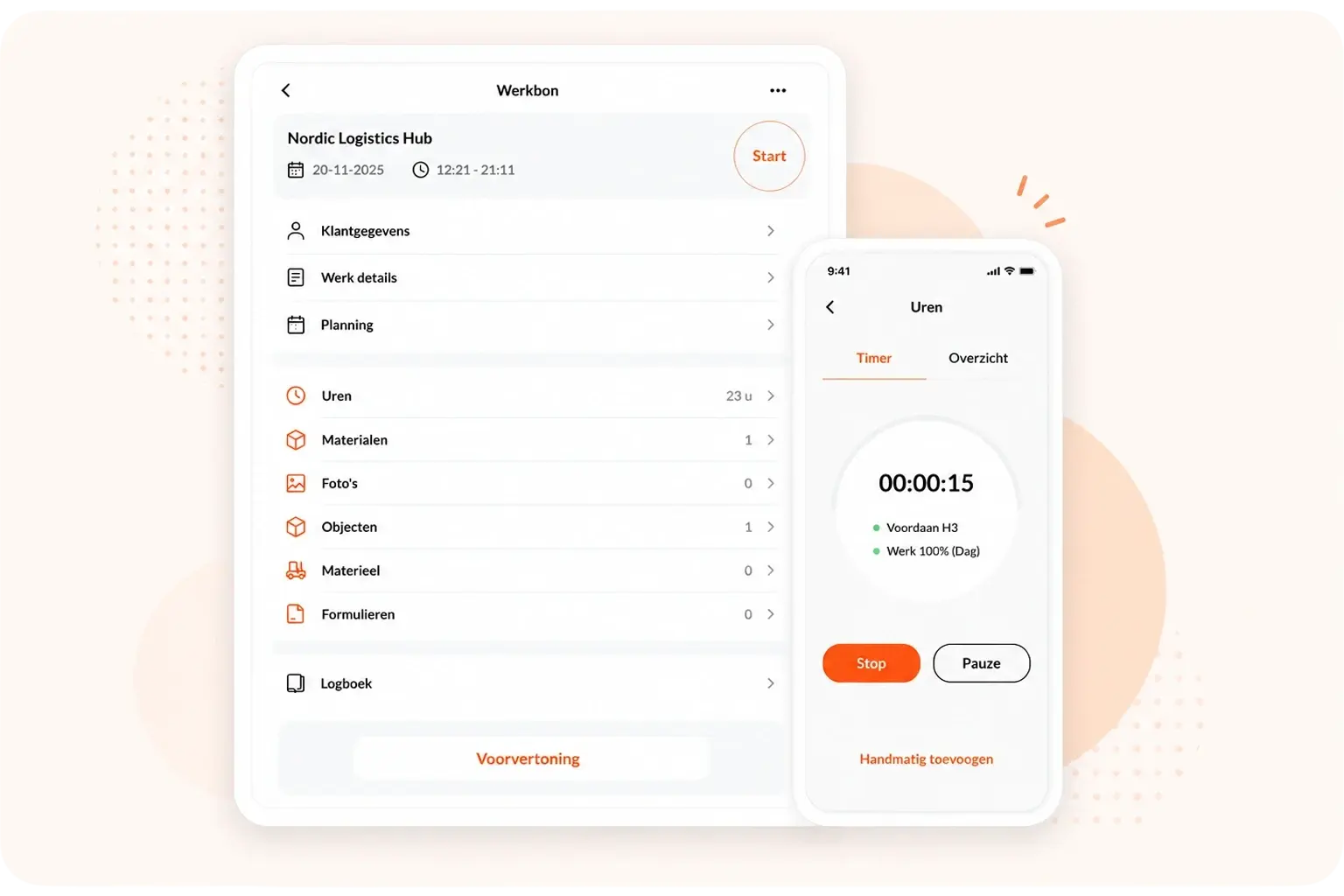
Painting companies deal with changing crews, extra work and customers who want to sign off on the job. With OutSmart, hours and materials are logged per room or façade, and the customer signs digitally on site — no more paper slip lost in the van.

5_stars    Meer dan 20.000 dagelijkse gebruikers

Ben-with-phone
Sound familiar?

What a real OutSmart customer told us

“We might not even use every feature in the system, but we're happy with how it works.”

Jan, owner of Logtmeijer Schilderwerken B.V. (translated from Dutch)
Customer portal
Customer portal

Stop the calls asking "is the job done yet?"

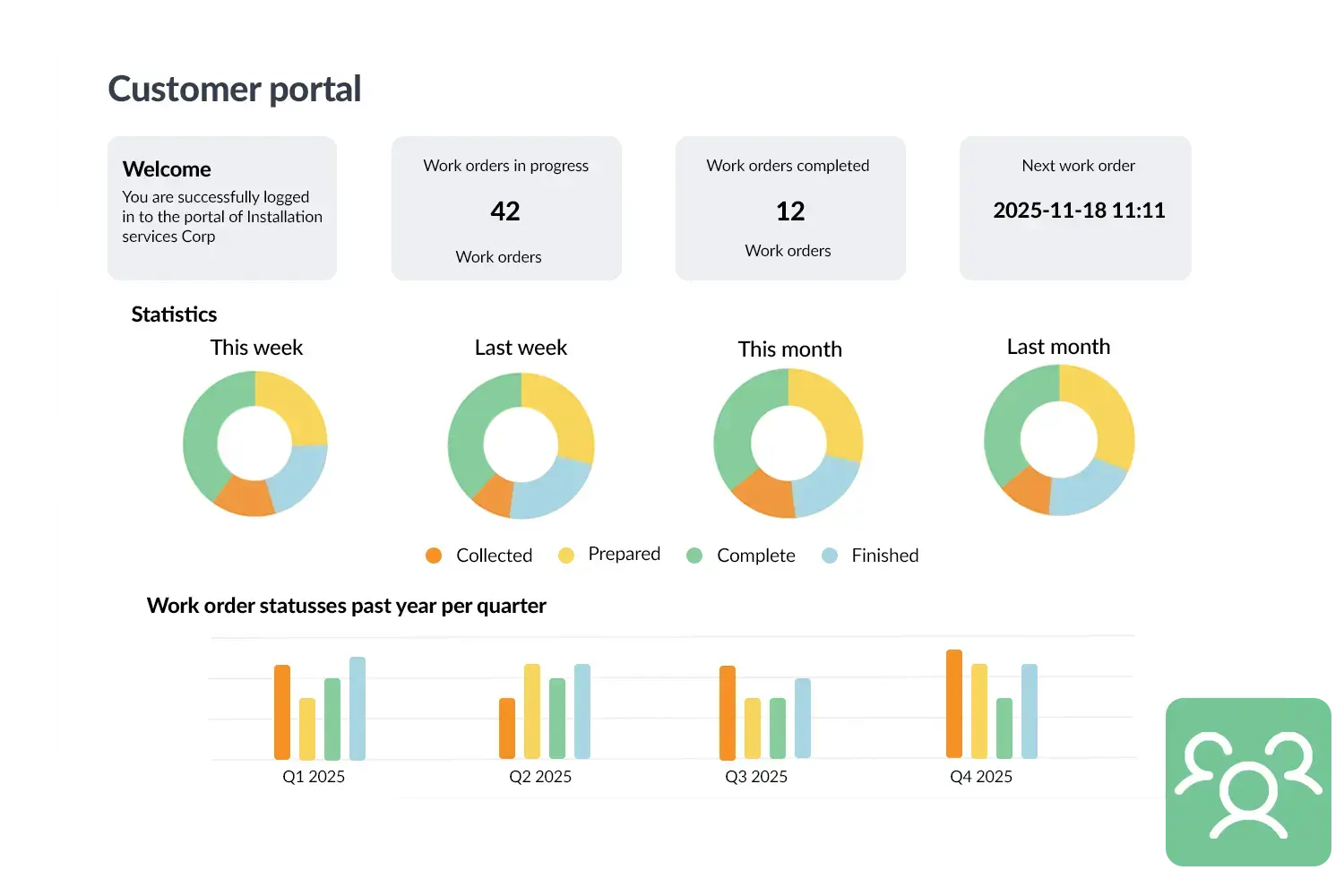
Private and business customers want to know when the painter is coming and whether the job is finished. With the OutSmart customer portal, they can see for themselves.

  • Schedule visible — the customer sees when the painter is coming
  • Work order and photos available — proof of the job, visible straight away
  • Invoice online — no more paper invoice by post
  • Fewer callbacks — the customer doesn't have to call for an update
Sound familiar?

What makes a painting job unnecessarily messy

Hours per room or façade get lost

At the end of the day you're still figuring out who spent how long where — and after the fact, it's always a guess.

Extra work goes missing

An extra coat of primer, or a wall that needed sanding twice, disappears somewhere between the slips.

Before/after photos sit loose on a phone

Proof of the finished job is scattered across the team's personal phones, not in one place.

Multiple crews on one project

On a bigger job, two or three painters work at once — who did exactly what, and when?

Customer sign-off gets forgotten

The job is done, the crew's already on the next one — and nobody got a signature for approval.

Invoicing runs weeks behind

The invoice can only go out once every slip is back in — that could be a lot faster.

Comparison

OutSmart vs. alternatives for painting companies

SituationOutSmartPaper / Excel / WhatsApp
Logging hours per room/façade✓ Directly on the phone, per part of the job✗ Kept manually on paper, or estimated afterwards
Recording extra work✓ Separate from the quote, shown apart on the invoice✗ Slip of paper or memory, often forgotten
Before/after photos✓ In the work order, bundled per job✗ Loose on the team's personal phones
Customer sign-off✓ Digital, right on site✗ Paper slip that can go missing
Multiple painters on one job✓ Together on the same work order✗ Separate notes per person
Invoicing after completion✓ Automatic from the work order✗ Waiting until every slip is typed up
Work order & extra work

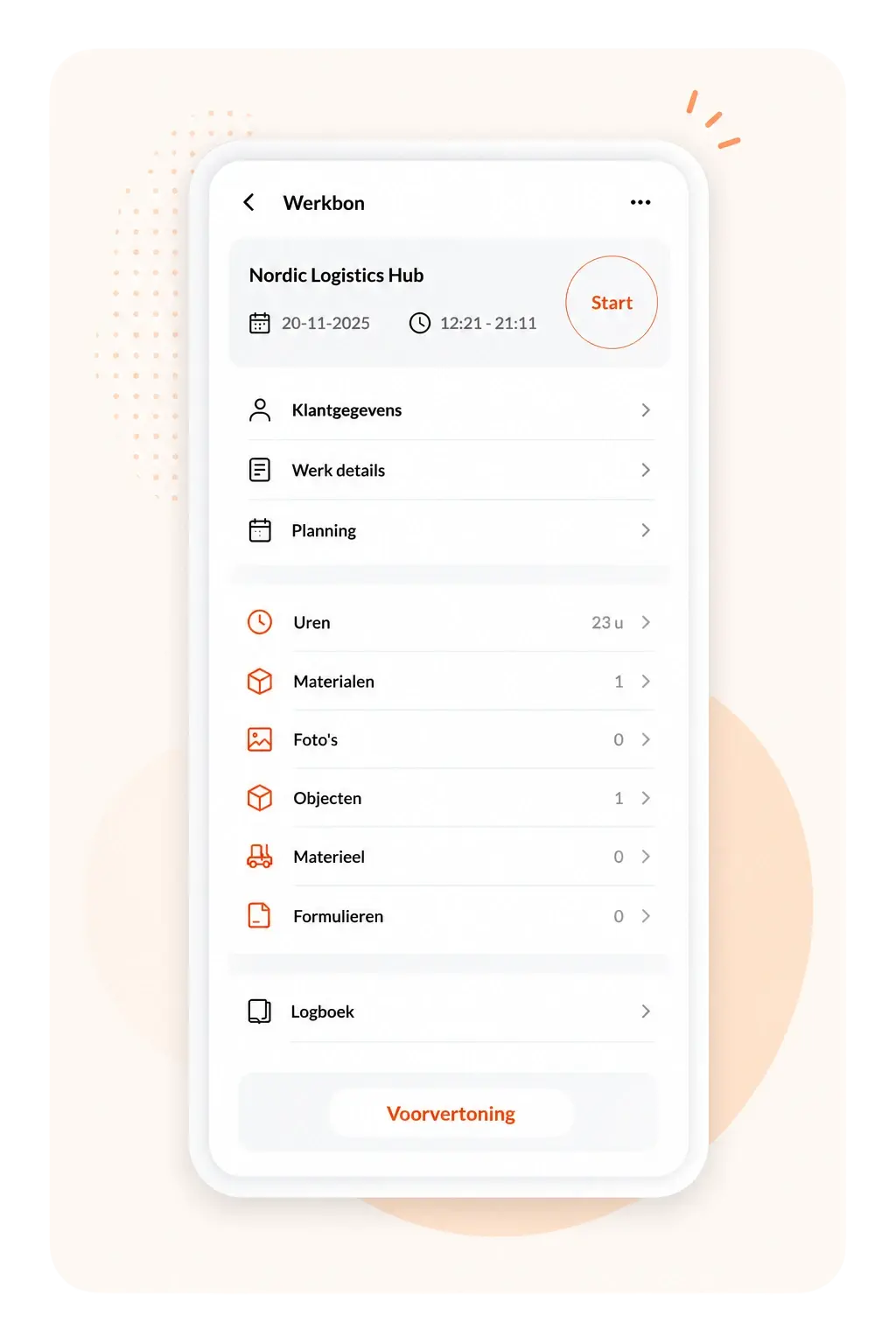
One digital work order per project or per room

Every painter logs hours and materials directly on their phone. Was there an extra coat of primer, or more sanding than planned? Record it as extra work, kept separate from the original quote.

  • Hours and materials — entered on site, per room or façade
  • Extra work stays separate — shown apart from the quote on the invoice
  • Digital signature — customer signs off directly on site
Work order & extra work
Scheduling
Scheduling

Multiple crews on one project, clearly organized

Put several painters on the same project and see in the schedule who's working where — even on the go, in the app.

  • Multiple employees — on the same work order, each with their own hours
  • Schedule in the app — visible to everyone straight away, even on the road
  • Reschedule fast — in case of bad weather or sick leave, no phone calls needed
What customers say

Experiences from OutSmart users

Niels LuijtenDyzle — digital work orders
KimberleyOostendorp Nederland — planning & overview
Tom GrootVKS Schiedam — AFAS integration
Martijn KooijmanAaproTect — digital jobs
Frequently asked questions

Everything about OutSmart for painting companies

What is the best app for painters to log hours on site and have work orders signed by the customer?

An app that combines hours, materials and a digital signature in one work order, without switching between apps. In OutSmart, the painter enters hours and materials directly on the work order on their phone, and has the customer sign digitally once the job is done — the work order is then automatically emailed to the customer.

Can I record extra work separately from the original quote?

Yes. You log extra work on the active work order as soon as it comes up. Once completed, it shows up separately from the original quote amount on the invoice.

Can I capture photos of the site before and after the job?

Yes. Painters can add photos to the work order at any point during the job — on arrival and after completion. All photos are bundled in the work order the customer receives by email.

Does the app work when multiple painters are on the same project?

Yes. Multiple employees can work on the same work order and each log their own hours and materials — handy for a bigger job where a crew works together.

Is a customer's digital signature legally valid?

Yes. A digital signature in OutSmart is legally valid under the eIDAS regulation, with a timestamp and IP address as evidence in case of a dispute.

Does the app work without an internet connection on site?

Yes. The OutSmart app works offline. Painters enter hours, materials and photos without an internet connection — once the connection returns, everything syncs automatically.

What does OutSmart cost for a small painting company?

Starting at €168 per year for a single user (Launch plan). A team of 5 users costs €1,625 per year, all features included. 14-day free trial, no credit card required.

Does OutSmart connect to my accounting software?

Yes, with Exact Online, AFAS, SnelStart and Moneybird. Hours and materials from a completed work order are automatically converted into invoice lines.