Integrations

Benefit from OutSmart alongside your existing (accounting) software

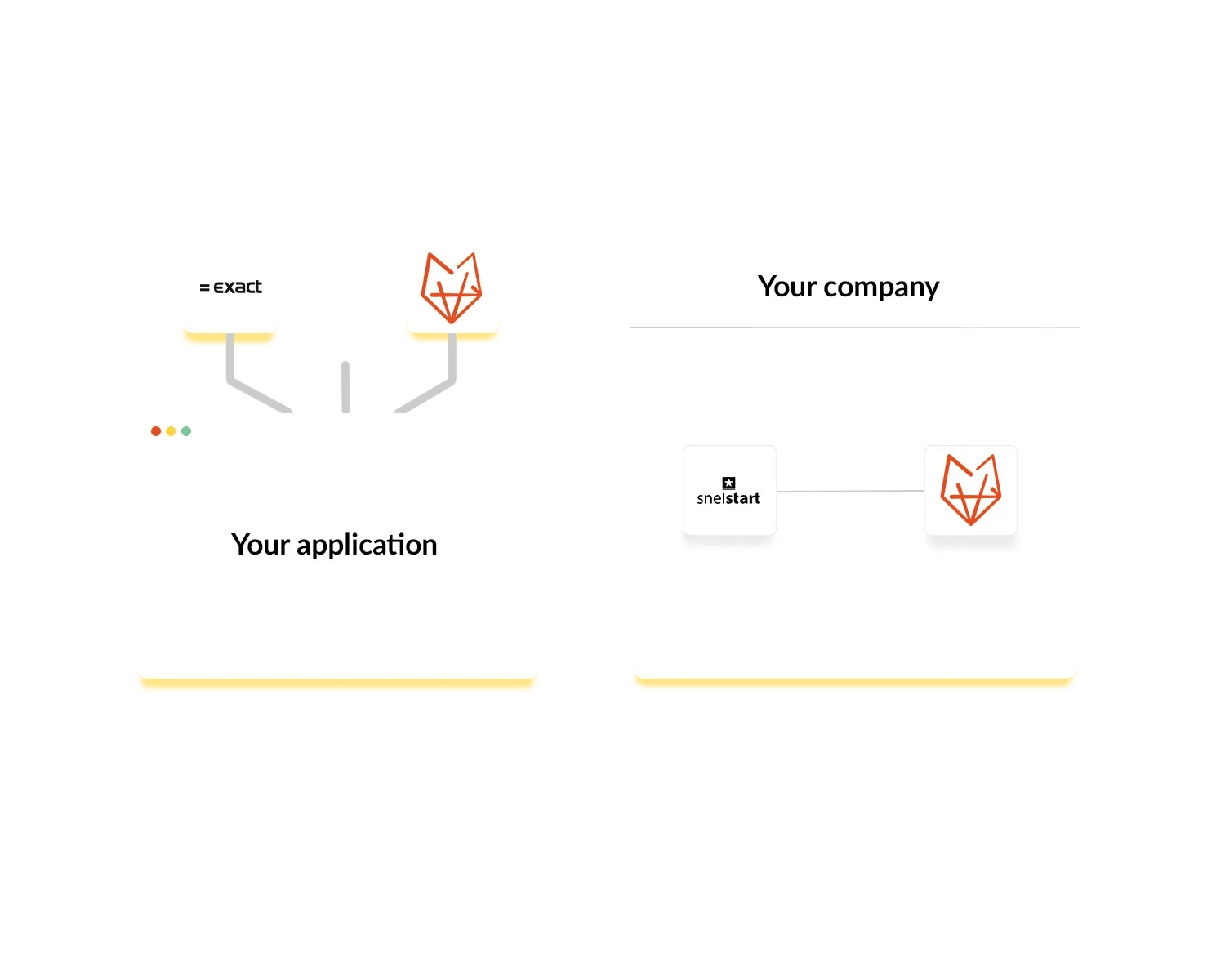
You’re probably already using an accounting package or CRM. Connecting your current system to OutSmart is the perfect solution. Our software offers seamless integration with various systems, bringing all the tools you need together in one clear app.

Whether you work with Exact, Visma, AFAS or another system: with OutSmart you get the most out of both your software and your workflow.

Is your accounting system or ERP/CRM solution not listed? Check out our Open API and build your own integration.

Koppelingen afbeelding geel
3232784

Work orders per year

5172

Customers trust OutSmart

14
+

Years of experience

We constantly had to create work orders manually with pen and paper. By providing a clear digital system with many options, along with an excellent helpdesk that assists with everything, even the smallest questions, Outsmart has helped us.

Thomas Loos, Display4all

We used to lose work orders now and then, which made tracking time a challenge. With the easy digital entry of work orders, it's much simpler for the technician to manage the administration. Having 100% accurate work orders has definitely cut our administrative time in half.

Pascal Hanenbergh, Hanenberg Techniek


OutSmart integrations connect field service software with accounting packages, CRM systems, and business tools. Hours, materials, and work orders registered by field engineers automatically sync to connected software — eliminating manual data entry. OutSmart integrates with 40+ tools including Exact Online, AFAS, SnelStart, Moneybird, and Peppol. Individual integrations start from €5 per month.

With or without OutSmart integrations

See what changes when your field service software connects directly to your accounting or CRM system.

StepWithout integrationWith OutSmart integration
Recording hours & materialsWritten on paper, re-typed manually into accounting software at the end of the dayEntered once in the OutSmart app — synced automatically to accounting software
Creating an invoiceInvoice created manually in a separate system, customer details re-entered each timeWork order converts to a draft invoice in one click — including hours, materials, and customer data
Customer data managementSame customer details maintained separately in multiple systemsCustomer data syncs automatically between OutSmart and your CRM or accounting package
Catching errorsEach entry manually checked for typos and missing itemsData flows directly from work order to invoice — no re-entry, no transcription errors

Frequently asked questions about OutSmart integrations

OutSmart integrates with 40+ tools, including Exact Online, AFAS, SnelStart, Moneybird, King, Yuki, Peppol, Teamleader, TOPdesk, Timewax, and Microsoft Dynamics 365. An Open API is available for custom connections with systems not on the list.
Individual integrations start from €5 per month per company, with no one-time installation costs. The exact price depends on the integration. You can activate integrations as Power-ups in the OutSmart License Manager. All prices are listed per integration page.

Log in to OutSmart and go to Settings → License Manager. Under Power-ups, select the integration you want and click Order. Follow the configuration steps to connect your credentials. Most integrations are active within 10 minutes, without technical knowledge required.
Yes, OutSmart offers an Open API that allows developers to build custom integrations with systems not listed in the standard integration catalogue. Documentation and access details are available via the OutSmart API page. The API is available as a Power-up.
Yes, most OutSmart integrations sync data in real time or near real time. When a field engineer completes a work order and a customer signs digitally, the data is pushed automatically to connected accounting software — without manual action from the office.
Yes, OutSmart works fully as a standalone platform for planning, work orders, quotes, and invoicing — without any integration. Integrations are optional Power-ups that eliminate double data entry if you already use accounting or CRM software.

No, most OutSmart integrations are set up through a guided activation flow in the License Manager. You enter your account credentials and the connection is established automatically. For the Open API, basic developer knowledge is recommended.

Try OutSmart completely free for 14 days!