

 Over 20,000 happy daily users
Time tracking is quietly costing you hours every week
Paper timesheets, manual overtime calculations, and no real visibility into what was actually worked.
 "Overtime gets recalculated by hand every week"
Paper timesheets land in a spreadsheet, then someone has to manually work out overtime and shift premiums — every single week.
"Overtime gets recalculated by hand every week"
Paper timesheets land in a spreadsheet, then someone has to manually work out overtime and shift premiums — every single week.
|
 "Travel time and job time blur together"
Without a clear split, it's never obvious how much was actually worked versus travelled — leading to disputes at payroll time.
"Travel time and job time blur together"
Without a clear split, it's never obvious how much was actually worked versus travelled — leading to disputes at payroll time.
|
 "Paper timesheets simply go missing"
One sheet in the van, one in a jacket pocket — by month-end, one is always missing and billing gets delayed.
"Paper timesheets simply go missing"
One sheet in the van, one in a jacket pocket — by month-end, one is always missing and billing gets delayed.
|
 "I just have to trust that hours are logged correctly"
Without any oversight, all you can do is hope every technician logs their time honestly and completely.
"I just have to trust that hours are logged correctly"
Without any oversight, all you can do is hope every technician logs their time honestly and completely.
|
 "Internal hours — warehouse, van maintenance, meetings — go untracked"
That time can't be linked to a job, so it disappears from the overview completely.
"Internal hours — warehouse, van maintenance, meetings — go untracked"
That time can't be linked to a job, so it disappears from the overview completely.
|
 "Payroll always takes longer than it should"
Manually transferring timesheet data into payroll software costs hours every month and invites errors.
"Payroll always takes longer than it should"
Manually transferring timesheet data into payroll software costs hours every month and invites errors.
|
|
Simple clock in/out
Start-stop time tracking, right from the field — even offlineBenefit: 100% accurate hours — no forgotten entries, no corrections after the fact Technicians tap "start" in the app when they arrive at a job, and "stop" when it's done. Time is automatically linked to the right work order — no paper timesheet, no message to the office. The app works fully offline and syncs automatically once a connection is available — essential for basements, remote sites or areas with poor signal.
"Our technicians no longer need paper timesheets — everything runs through the app."
Niels Luijten · Dyzle
|
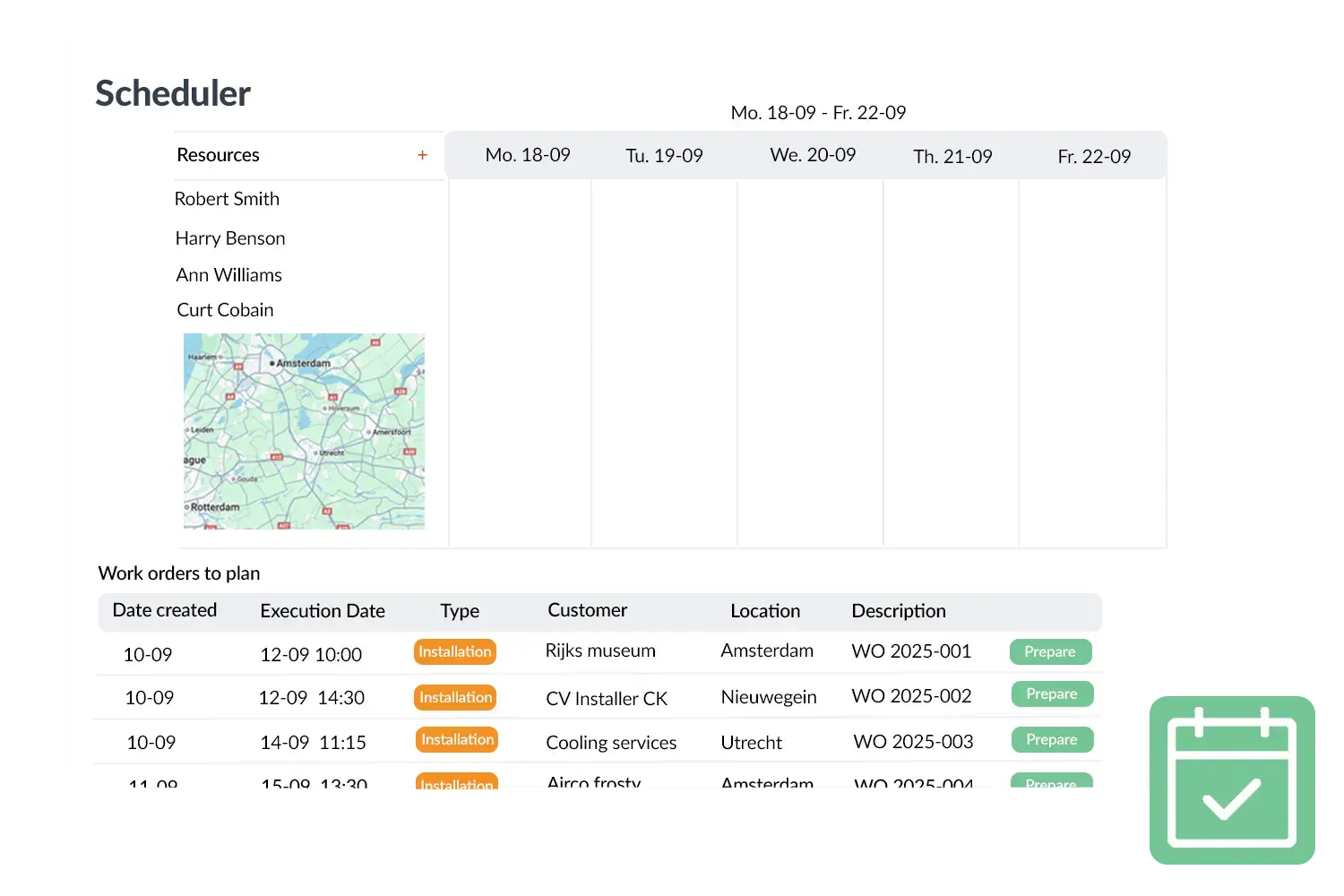
Register time and costs
In addition to the hours that are registered via work orders, employees can also record separate hours, for example for internal tasks like tidying up the warehouse or cleaning vehicles. Everything comes together in one overview, so you can see exactly how many hours are made per day, week or month.
The module also offers the possibility to register expenses. Think of uploading a receipt for a part that was purchased on the way. In this way you gain insight not only into time, but also into costs incurred during work.
Thanks to this complete overview, companies can make better choices. Hours and costs are easy to calculate towards customers and form a reliable basis for invoicing and reports.
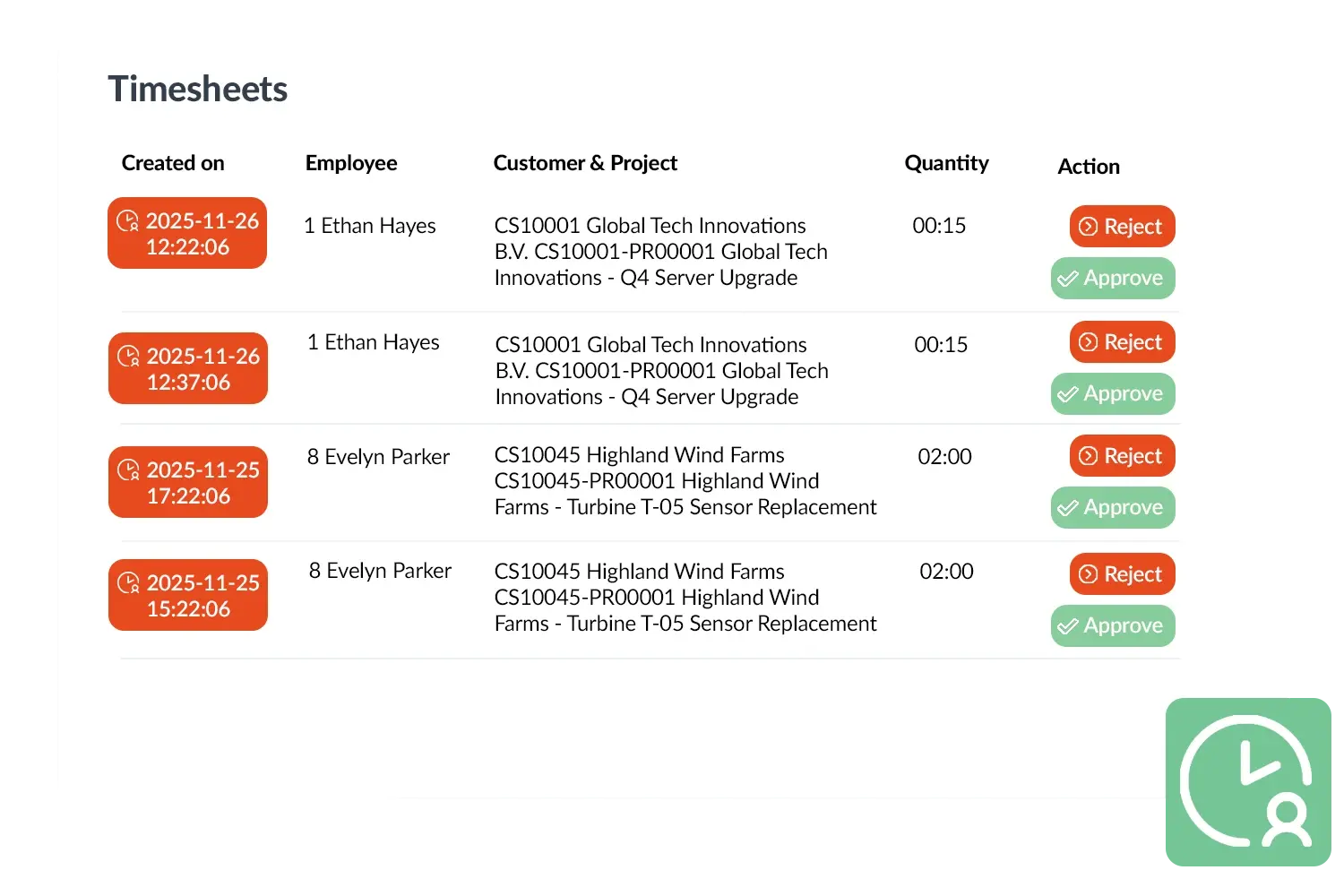
A practical example
A greenhouse cleaning company used Timesheets to record not only the work order hours but also the hours of their supporting office staff. These employees received a separate license to record time without having to fill in work orders. This made the administration complete, without needing extra full OutSmart licenses.
Benefits
- Comprehensive time registration linked to work orders and separate tasks.
- Insight into both time and costs through expense registration.
- Better control over invoicing and internal efficiency.
- Flexible licenses for employees who only record time.
|
Expenses & mileage
Log expenses and mileage in the same app as your hoursBenefit: no more separate expense sheets — everything flows straight into billing Alongside job and travel time, technicians can log expenses and mileage directly in the app — with a photo of the receipt, linked to a job or booked as an internal, non-billable entry. Mileage allowances are calculated automatically based on your configured rate, and combined with hours on the invoice or payroll export.
"100% accurate work orders mean guaranteed 50% less time spent on admin."
Pascal Hanenbergh · Hanenberg Techniek
|
|
Approval & payroll export
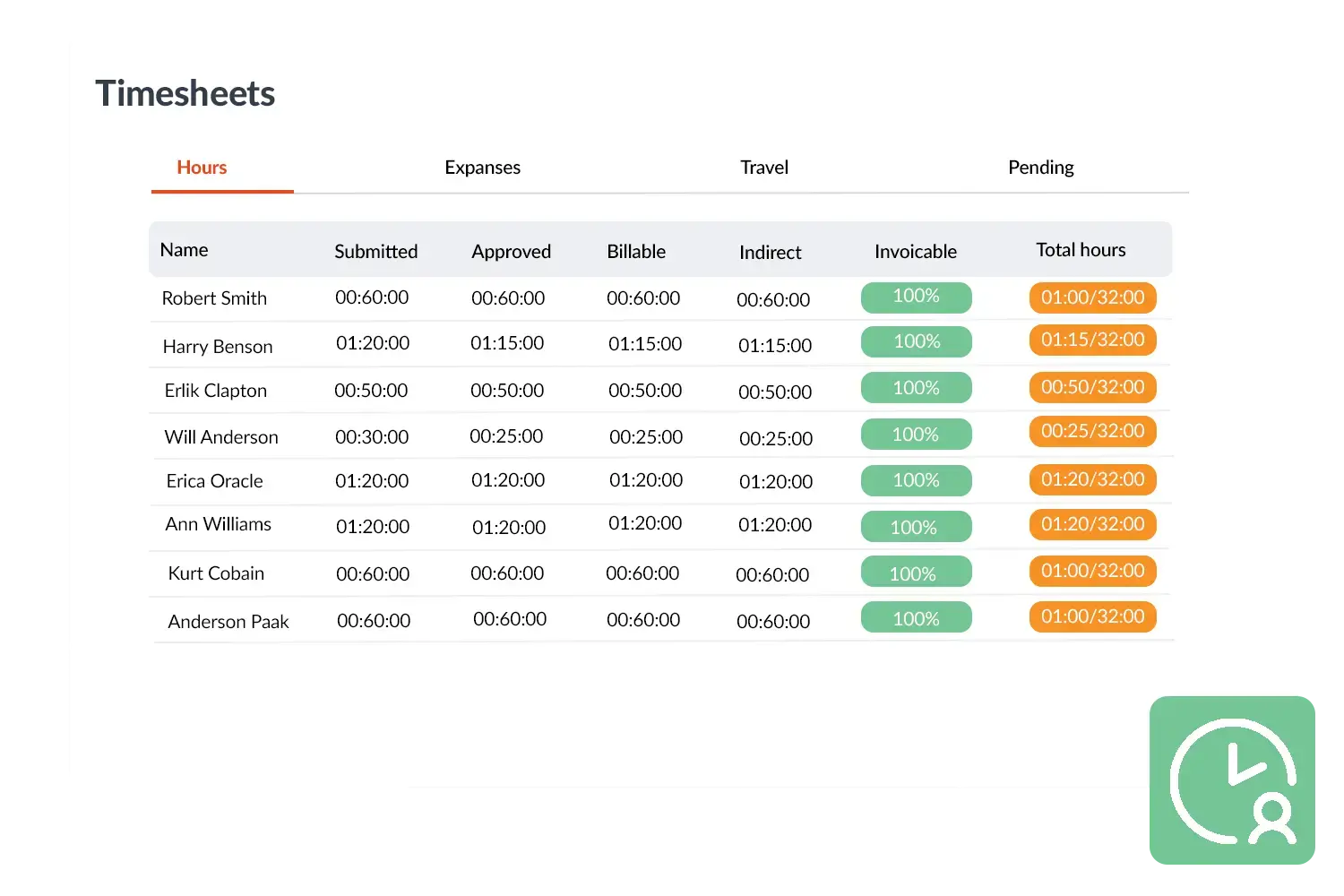
Review, approve and export hours — individually or in bulkBenefit: approvals in minutes instead of hours, with a clear billable-hours overview per employee Submitted hours land as a draft in the office. From there, they get reviewed and approved or rejected — one at a time, or in bulk for multiple entries at once. Only approved hours flow into invoicing and payroll. Per employee, you instantly see how many hours have been logged against their contracted weekly hours, and what percentage of that time is billable — so you catch discrepancies before they become a problem.
"We had constant disputes about hours before. Now everything is correct straight away: start and stop time, travel time, overtime — all in the system."
Kimberley · Oostendorp Nederland
|

Built for any field service team
OutSmart's time tracking works for any company with technicians on the road — from installation to facility services.

|

|

|

|

|

|