



Turn your paper forms digital, without changing how they look

Upload a PDF or scan of your form, drop digital fields on top, and your team fills it in on the app exactly as they always have, only now the data lands in OutSmart instantly.

With the Visual Forms Templates Power-Up you digitize existing paper forms in a simple way. You upload a PDF or scan of your form and place digital fields over it in OutSmart, such as text fields, drop-downs or numeric fields. For the field employee, the form still looks the same in the app, only now completely digital.

Note: This feature is currently in beta and is only available for iOS devices.

5_stars    Over 20,000 happy daily users
Ben-with-phone

OutSmart Visual Forms is a Power-Up that turns an existing paper form into a digital form with the same layout. You upload a PDF template, place digital fields directly on top of it in the Visual Forms Configurator, and technicians fill in the familiar layout on their device instead of on paper. This feature is currently in beta and available on iOS only.


Mandatory forms, but digital

This makes it very intuitive for employees in the field: they recognize the familiar layout and fill in the data directly on their tablet or smartphone. Even employees who prefer working on paper find the transition easy, because the form looks like the old document.

Visual Forms are ideal for forms that must be filled in mandatorily, for example from legislation or industry organizations. You maintain the right style and structure, while enjoying digital processing and central storage.

In this way, you combine recognizability for employees with the benefits of digital data: faster availability, fewer errors and directly usable in reports and follow-up processes.
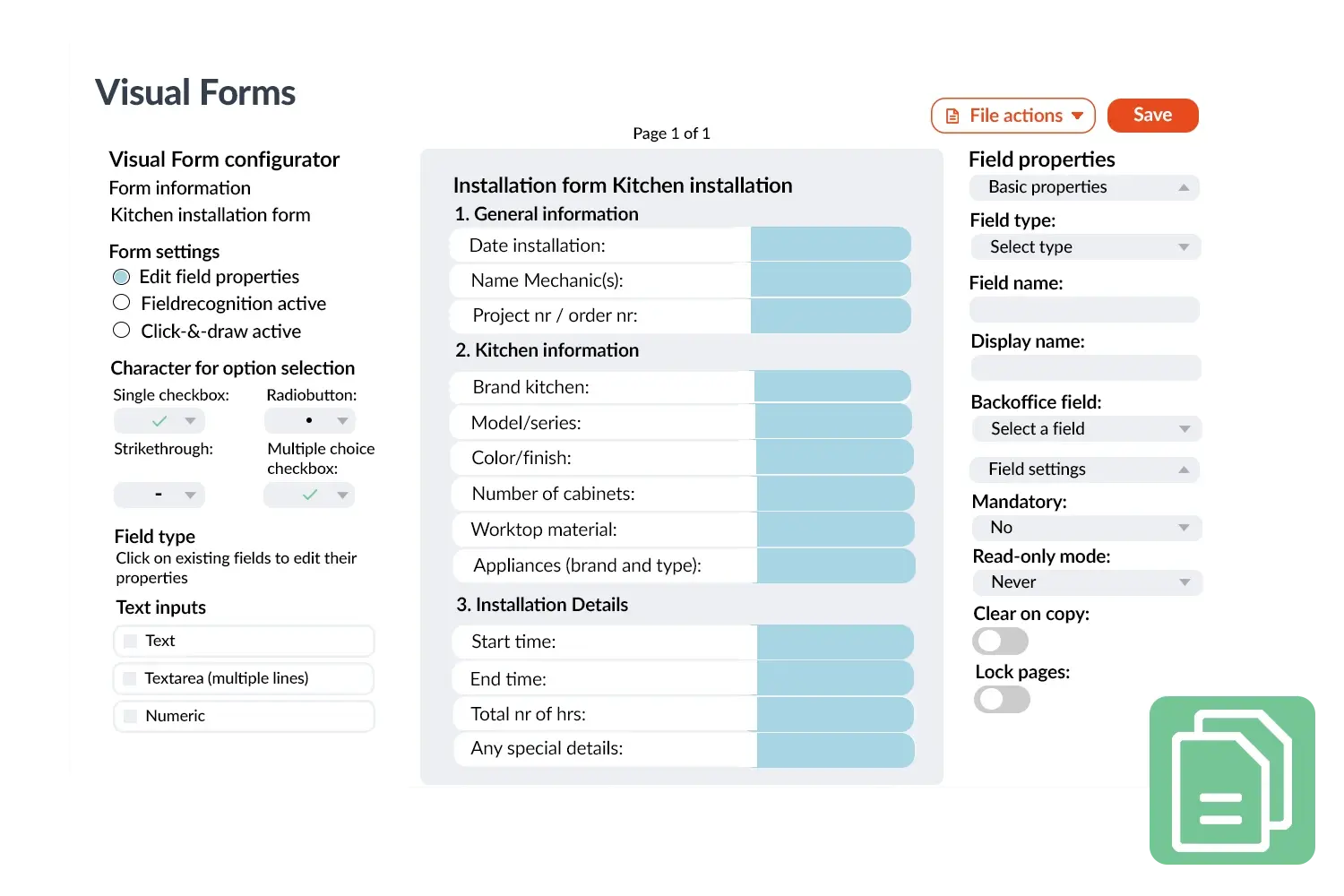
Visual Forms visual
 

A practical example

An installation company had used paper inspection forms for years that technicians filled in by hand. With Visual Forms Templates, these forms were digitally recreated one-to-one. Technicians now fill in the same familiar fields via the app, so the data is immediately available to the back office. The company saves a lot of time with this and prevents errors from manual copying.

Benefits
  • Quickly digitize paper forms in OutSmart.
  • Familiar layout for intuitive use by field employees.
  • Comply with mandatory forms from authorities or industry organizations.
  • Immediate digital processing and central storage of data.
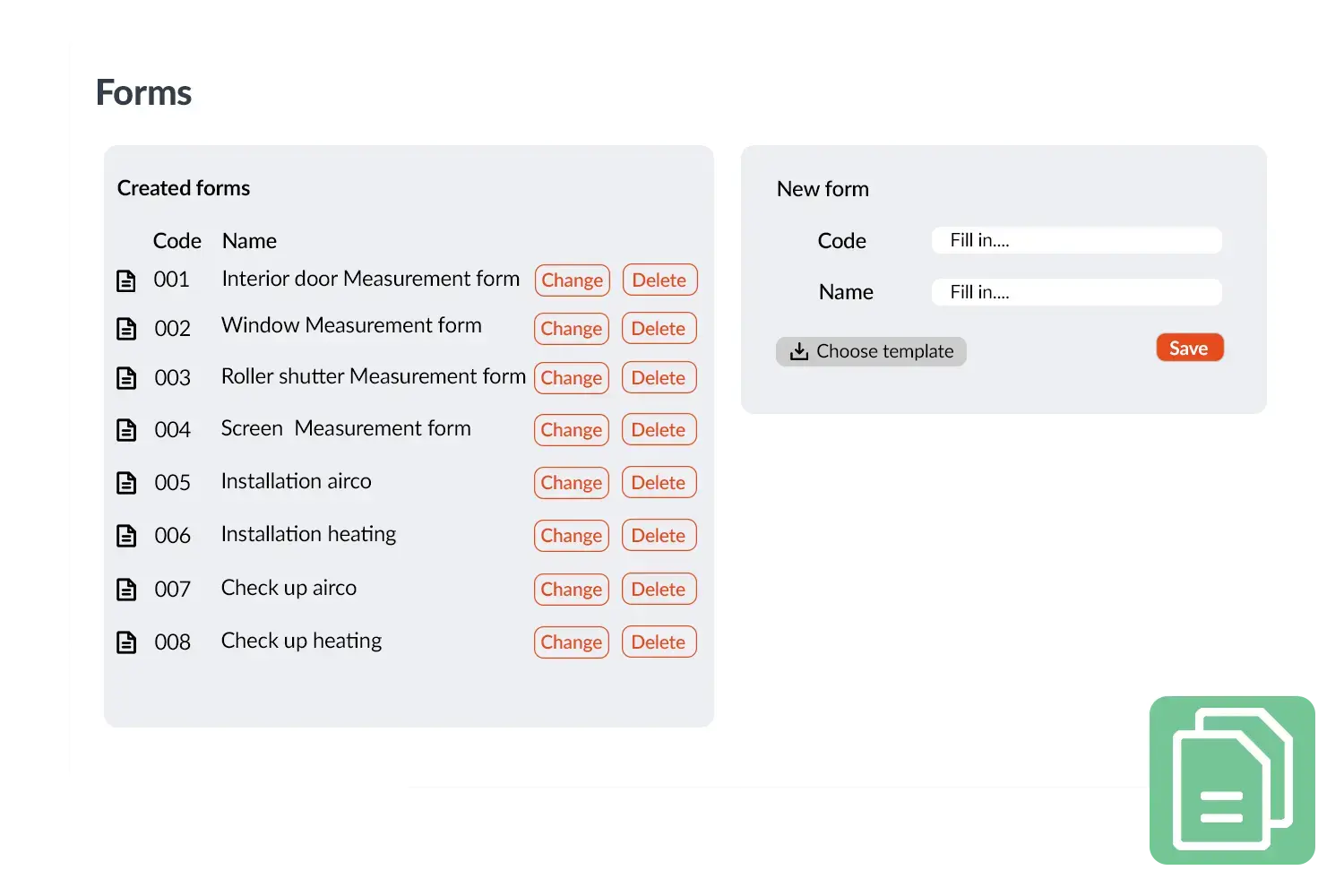
Forms visual 2
3232784

Work orders per year

5172

Customers trust OutSmart

14
+

Years of experience

We constantly had to create work orders manually with pen and paper. By providing a clear digital system with many options, along with an excellent helpdesk that assists with everything, even the smallest questions, OutSmart has helped us.

Thomas Loos, Display4all

We used to lose work orders now and then, which made tracking time a challenge. With the easy digital entry of work orders, it's much simpler for the technician to manage the administration. Having 100% accurate work orders has definitely cut our administrative time in half.

Pascal Hanenbergh, Hanenberg Techniek


Frequently asked questions about OutSmart Visual Forms

In the Visual Forms Configurator, you upload the PDF template, then place and size fields — text, drop-downs, numeric, and more — directly on top of it. You can test the layout on a work order before rolling it out to the team.

Yes. Advanced mandatory rules let a field become required based on another field's answer — for example, requiring a photo or comment only after a failed check — combining conditions with AND or OR logic.

Yes. Read-only fields stay visible without being editable — useful for autofilled values, calculated results, or summary fields. A field can also be made read-only only under specific conditions.

It depends on whether the final document needs to keep a fixed look. Choose standard Forms for a fast question list; choose Visual Forms when the form must match an existing paper document or branded layout.

Yes — that's what Visual Work Orders does. It turns the complete work order into one PDF-based document per work type, instead of separate screens and forms, while the data still stays linked to the normal work order record.

They open the work order in the app, select the Visual Form, and fill in the fields directly on top of the PDF layout, then save — no separate app or paper copy needed.

Yes. You can link a Visual Form to a work type so it's added automatically to every matching job, or add it directly to a single work order when only some jobs need it.

Visual Forms is currently in beta and available on iOS devices only.

Try OutSmart completely free for 14 days!