


Service level agreements

Grip on agreements and performance.

With SLA’s in OutSmart you clearly record agreements with customers, such as response time and resolution time for malfunctions. As soon as a notification or work order is created, OutSmart immediately shows which SLA agreements apply and how much time is left.

5_stars    Over 20.000 happy daily users
Alexandra SLA

OutSmart SLA management tracks service level agreement response and resolution times per job in real time. Every incoming job is automatically measured against the contracted SLA — response deadline, on-site deadline, and resolution deadline — with live countdown timers, automatic escalation alerts, and compliance reports that show how your team is performing against every client commitment.

Manual SLA tracking vs. OutSmart SLA

Topic Without OutSmart With OutSmart
SLA awareness Dispatcher relies on memory or a separate spreadsheet Live SLA timer per job — visible to dispatcher at all times
Breach prevention Discovered after the breach — too late to act Automatic alert fires before deadline — time to intervene
Priority routing Based on gut feeling or whoever calls loudest Priority automatically set by SLA tier — urgent jobs jump the queue
Client reporting Manually compiled from job data — time-consuming and disputed SLA compliance report generated on demand per customer or contract
Escalation Dependent on someone noticing — inconsistent Automatic escalation to manager when threshold is crossed
Contract evidence Hard to prove — no timestamped audit trail Every job timestamped from creation to resolution — verifiable proof
 

Always honor SLA's

The system automatically registers whether you have responded and resolved within the agreed time. This gives you reliable reports that simply show that you comply with contractual obligations. This strengthens customer trust and helps you continuously improve your service.

By making SLA’s visible in every work order, the field service knows exactly where the priority lies and the back office can follow in real time whether agreements are being met. The result is more transparency, better control and higher customer satisfaction.
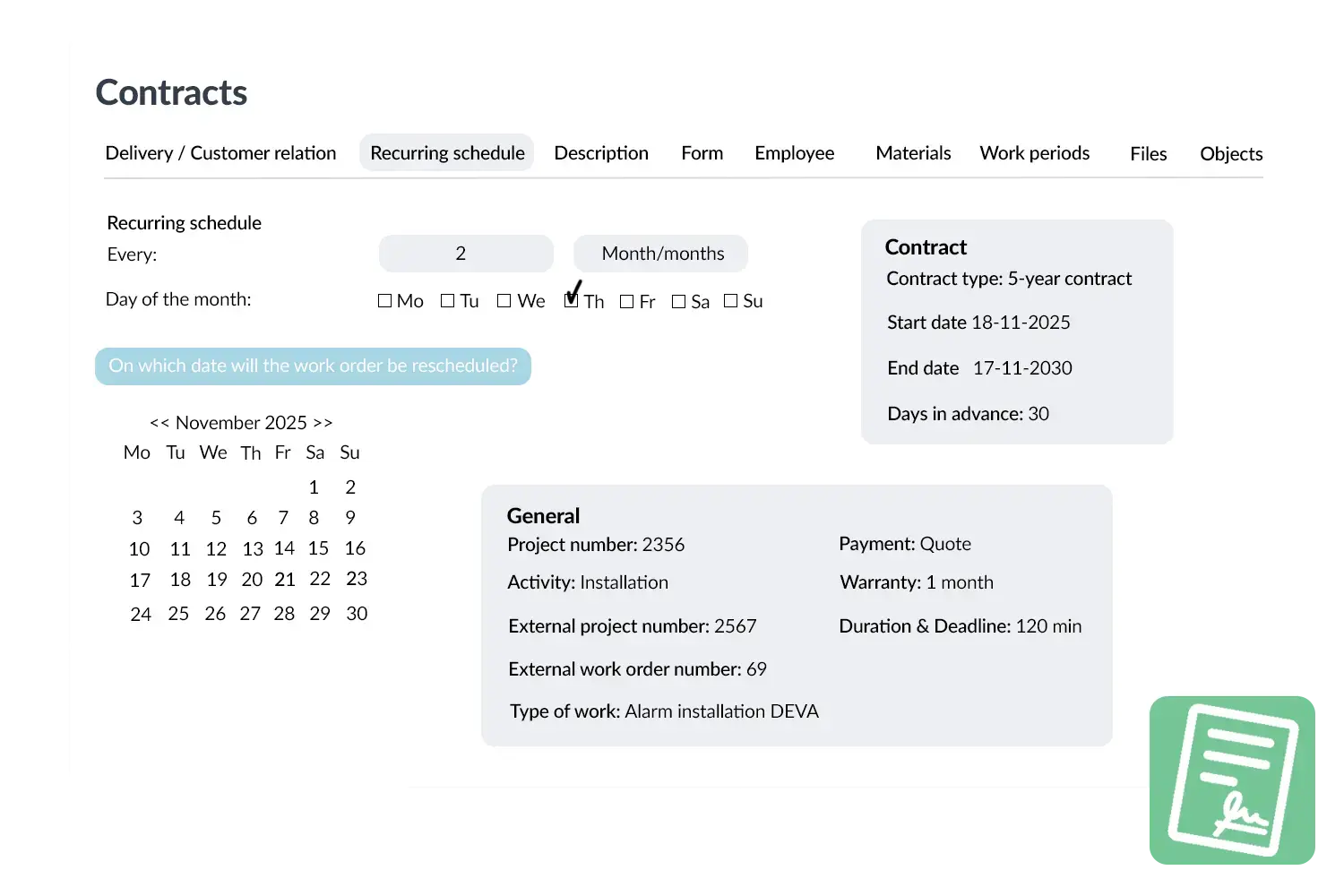
Contracts visual
 

Practical example

An IT service company has an SLA with the agreement that malfunctions must be resolved within 4 hours. As soon as a work order is created, OutSmart immediately shows a countdown timer. The planner sees in real time how much time is left and can deploy extra capacity if necessary.

Benefits
  • Transparent – agreements always visible on every work order
  • Control – real‑time insight into response and resolution times
  • Reporting – simple evidence for customers
  • Better service – increases customer satisfaction and trust
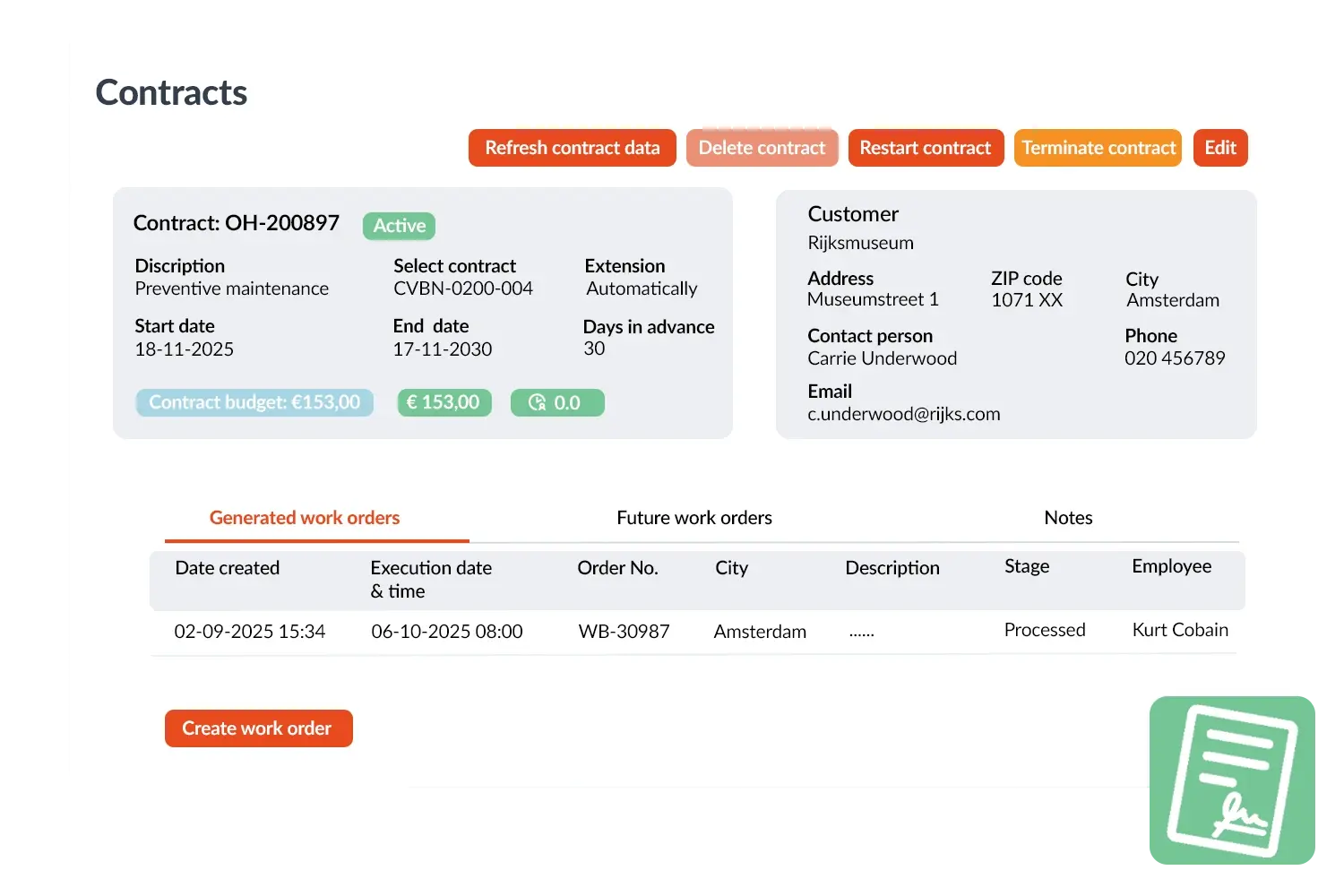
Contracts visual 2
3232784

Work orders per year

5172

Customers trust OutSmart

14
+

Years of experience

We constantly had to create work orders manually with pen and paper. By providing a clear digital system with many options, along with an excellent helpdesk that assists with everything, even the smallest questions, Outsmart has helped us.

Thomas Loos, Display4all

We used to lose work orders now and then, which made tracking time a challenge. With the easy digital entry of work orders, it's much simpler for the technician to manage the administration. Having 100% accurate work orders has definitely cut our administrative time in half.

Pascal Hanenbergh, Hanenberg Techniek


Frequently asked questions about OutSmart SLA Management

SLA management in field service software tracks whether each job is responded to, attended, and resolved within the timeframes agreed with the client. OutSmart SLA management assigns the correct response and resolution deadlines to each job automatically and alerts the team before a breach occurs — replacing manual spreadsheet tracking with a live, automated system.

SLA rules are configured per contract, customer priority tier, or job type. When a new job is created, OutSmart reads the customer and job type and applies the matching SLA automatically — calculating the response deadline and resolution deadline from the moment the job is logged.

Yes. You configure warning thresholds — for example, an alert fires when 75% of the SLA window has elapsed without the job being attended or resolved. The dispatcher, account manager, or on-call manager receives the notification with enough time to act before a breach.

Yes. A single customer can have different SLA tiers for different asset types, priority levels, or contract packages. A critical system failure might have a 4-hour response SLA while a routine maintenance request has a 5-business-day window — both managed automatically in OutSmart.

Yes. OutSmart generates an SLA compliance report per customer or contract showing the number of jobs within SLA, breached jobs, average response time, and average resolution time — for any date range. This is useful for monthly service reviews and contract renewal discussions.

The SLA clock starts when the job is created in OutSmart — whether that is by a client submitting a request, a dispatcher logging it manually, or the Mail to Work Order feature creating it from an email. The exact timestamp is recorded and used as the basis for all SLA calculations.

Consistent SLA compliance data gives your account managers a factual basis for renewal conversations. Rather than relying on impressions, they can show the client a report proving that 97% of jobs were attended within the agreed response time — strengthening your position and justifying your pricing.

Try OutSmart completely free for 14 days!