


Personal email domain

Send emails from your own address.

With a Personal email domain in OutSmart you no longer send work orders, quotations and invoices from a standard OutSmart address but from your own domain. This provides a professional appearance and strengthens your brand. Customers immediately recognise your company name in their inbox and have more confidence in the communication.

5_stars    Over 20,000 happy daily users
Ben-with-phone

OutSmart Email Domain lets field service companies send all customer communications — job confirmations, invoices, inspection reports, and follow-ups — from their own branded email address instead of a generic system address. This improves deliverability, strengthens brand trust, and ensures clients recognise every email as coming from your company.

Generic system emails vs. OutSmart Email Domain

Topic Without OutSmart With OutSmart
Sender address Emails come from a generic noreply@outsmart.nl address Emails sent from your own domain — info@yourcompany.com
Brand recognition Clients confused by unknown sender — emails ignored or spam Clients immediately recognise your company name in their inbox
Deliverability Generic domains more likely to land in spam or promotions Your domain with proper DNS settings — better inbox placement
Reply handling Replies go to a system address — never seen by your team Replies land in your own inbox — team responds directly
Professionalism Undermines trust — does not match your website or branding Consistent branding across every client touchpoint
Email templates Limited customisation with generic domain Full template customisation with your logo, colours, and domain
 

Enhance your brand experience

When a customer responds to a message it automatically ends up in your own mailbox. This keeps communication clear and completely within your organisation. Setting up requires only a one‑time technical adjustment in your DNS but provides lasting benefits for customer trust and brand experience.

By sending emails from your own domain you avoid confusion and reduce the chance that messages end up in the spam folder. It is an easy way to make your customer contact more personal and consistent.

Mail
 

A practical example

A plumbing company sends its quotations from info@john‑the‑plumber.com instead of via an OutSmart address. Customers immediately recognise the sender and reply directly to the company’s mailbox, making communication faster and more professional.

Benefits

  • Professional appearance – mails come from your domain
  • More trust with customers
  • Stronger brand experience
  • Responses go directly to your own mailbox
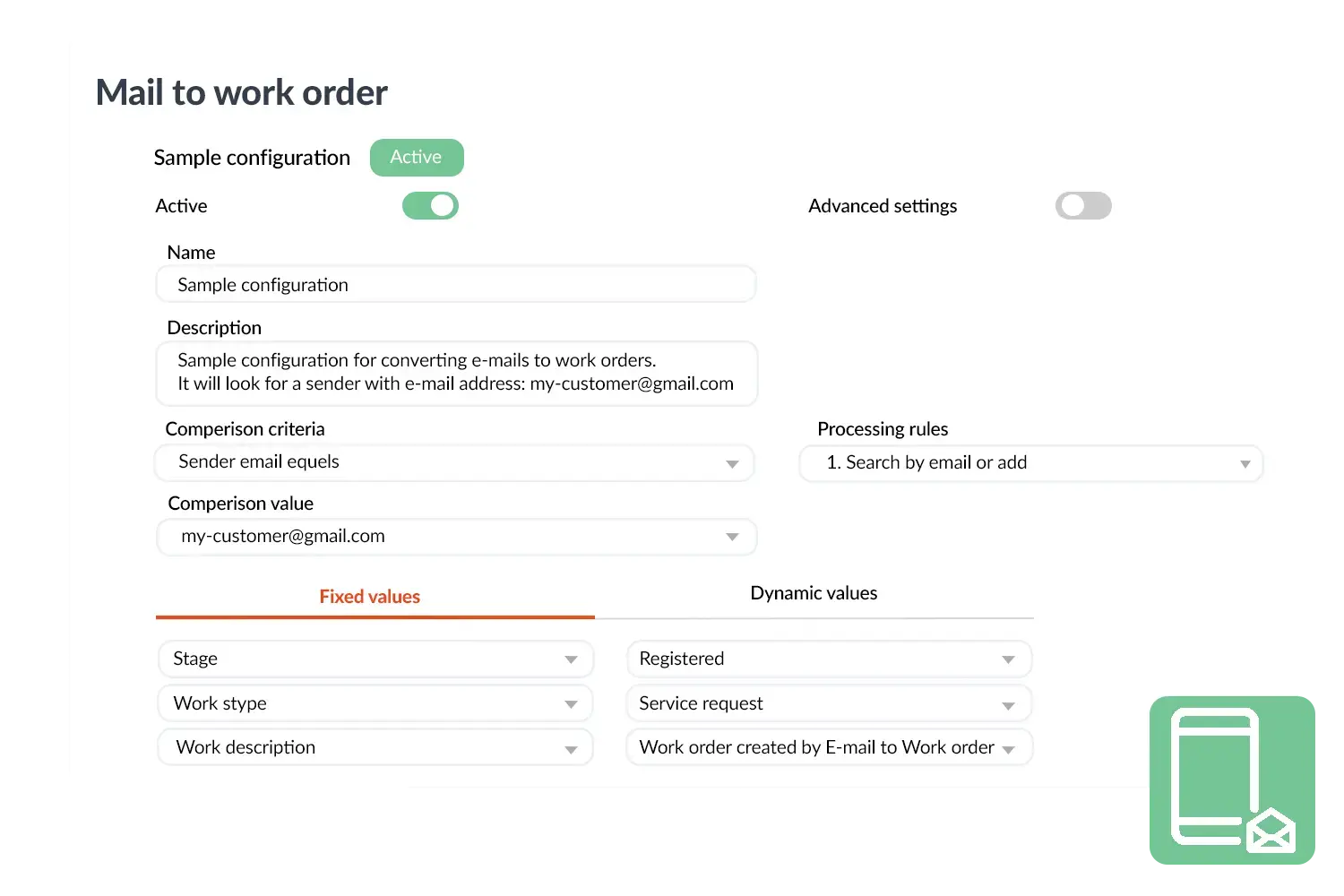
Mail to work order
3232784

Work orders per year

5172

Customers trust OutSmart

14
+

Years of experience

We constantly had to create work orders manually with pen and paper. By providing a clear digital system with many options, along with an excellent helpdesk that assists with everything, even the smallest questions, OutSmart has helped us.

Thomas Loos, Display4all

We used to lose work orders now and then, which made tracking time a challenge. With the easy digital entry of work orders, it's much simpler for the technician to manage the administration. Having 100% accurate work orders has definitely cut our administrative time in half.

Pascal Hanenbergh, Hanenberg Techniek


Frequently asked questions about OutSmart Email Domain

OutSmart Email Domain lets you send all automated customer communications — job confirmations, invoices, reports, and reminders — from your own company email address rather than a generic system address. Clients see your brand in their inbox, replies come back to your team, and your emails are less likely to be filtered as spam.

Emails from an unrecognised system address are frequently ignored, filtered to spam, or cause concern for clients. When communications arrive from your own domain — the same address clients already know — they are more likely to be opened, trusted, and acted on.

Yes, a small amount of DNS configuration is needed — specifically adding SPF, DKIM, and optionally DMARC records to your domain. Your IT contact or domain provider can do this in a few minutes. OutSmart provides the exact values to add during setup.

Yes. When using your own email domain, reply-to addresses are set to your actual inbox. If a client replies to a job confirmation or invoice, the message lands in your team's email — not a system void. This keeps communication natural and responsive.

Yes. Once configured, all automated OutSmart communications — job confirmations, appointment reminders, invoice notifications, customer portal invitations, and satisfaction surveys — are sent from your branded domain.

Yes. You can configure different from-addresses per communication type — for example, planning@yourcompany.com for job confirmations and finance@yourcompany.com for invoices. This keeps communications organised and routes replies to the right team.

Yes. Emails sent from a properly configured custom domain with valid SPF and DKIM records have significantly better inbox placement than those sent from shared system domains. Fewer emails end up in spam, which means more clients receive and open your communications.

Try OutSmart completely free for 14 days!