


Roles & permissions

Determine who can see and do what.

With Roles & Permissions in OutSmart you give each employee exactly the rights they need. This way you decide who gets access to which parts of the back office and the app. Think about who can create customers, who can adjust prices or who can only view the planning without being able to change it.

5_stars    Over 20,000 happy daily users
Ben-with-phone

OutSmart Roles & Permissions lets administrators define exactly what each user type can see and do in the platform — from reading customer records to editing invoices or managing system settings. Permissions are assigned per role and applied to all users with that role automatically, ensuring data security and process compliance across the entire team.

No access control vs. OutSmart Roles & Permissions

Topic Without OutSmart With OutSmart
Data access Everyone sees everything — sensitive data exposed to all staff Each role sees only the data relevant to their function
Edit rights Anyone can change records — errors hard to trace Edit permissions per role — changes limited to authorised users
Admin settings Any user can accidentally change system configuration Admin functions restricted to designated administrators only
Financial data Visible to all — including field technicians Invoice and pricing data restricted to office and finance roles
Compliance No audit trail of who changed what All changes logged per user — full audit trail available
Onboarding new users Manual briefing on what not to touch Role assigned on creation — correct access from day one
 

Only see what you need to see

By placing employees in user groups you manage their rights easily and centrally. This reduces the chance of errors, protects sensitive information and brings more structure to cooperation. Everyone works safely and efficiently within their own responsibilities.

Roles & Permissions ensure that both the back office and the field service can work with confidence and clarity. Managers keep control over sensitive data while employees only see what is relevant to their work. That provides peace, overview and less chance of miscommunication.
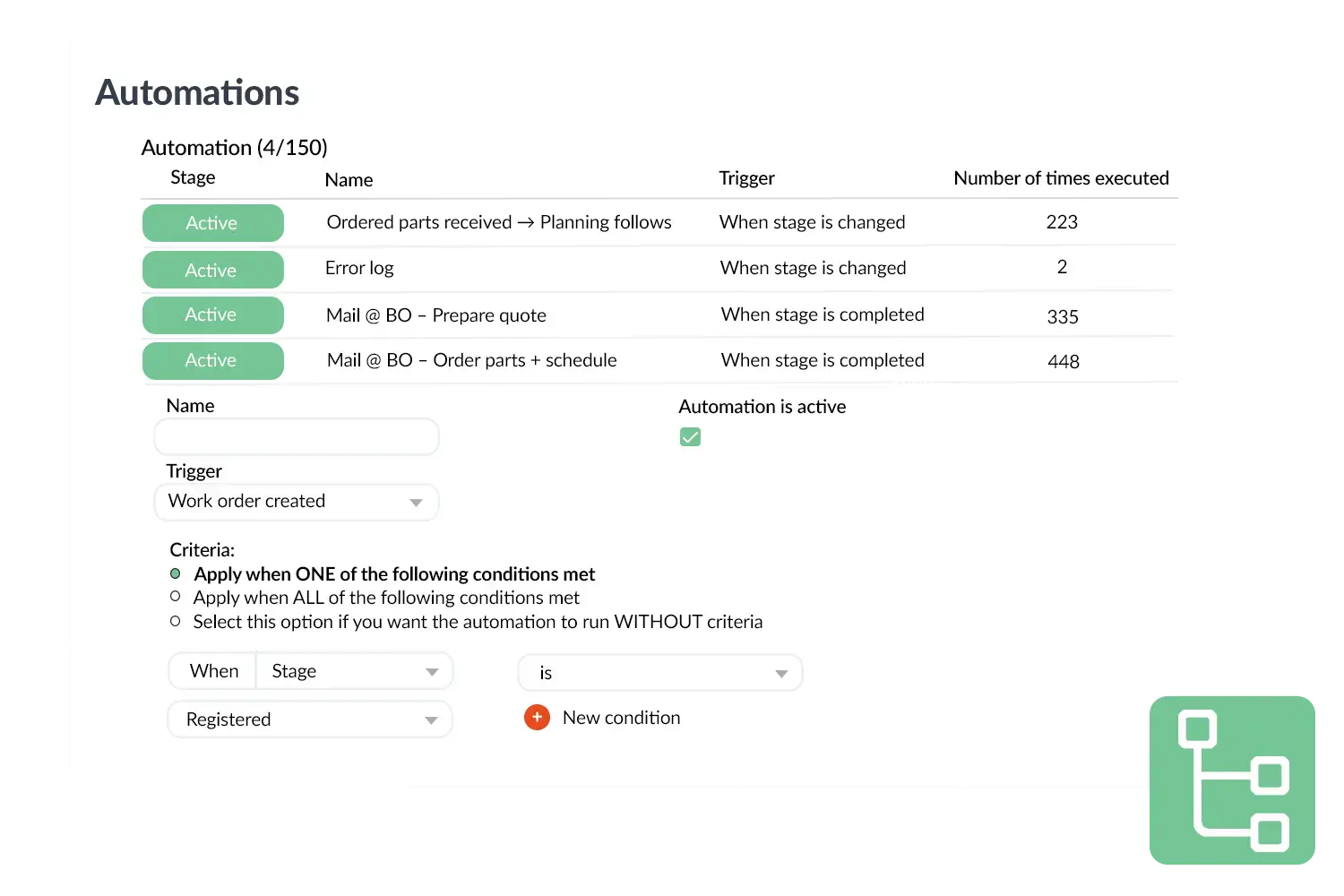
Automations visual
 

A practical example

An installation company gives technicians access only to their work orders and customer data in the app but not to price lists or invoices. The sales department can create quotations but may not adjust the planning. This keeps everyone focused on their own tasks and prevents errors.

Benefits
  • More control over rights and access
  • Less chance of errors in the back office
  • Limit insight into sensitive information
  • Flexibly configurable per role or employee
Automations
3232784

Work orders per year

5172

Customers trust OutSmart

14
+

Years of experience

We constantly had to create work orders manually with pen and paper. By providing a clear digital system with many options, along with an excellent helpdesk that assists with everything, even the smallest questions, Outsmart has helped us.

Thomas Loos, Display4all

We used to lose work orders now and then, which made tracking time a challenge. With the easy digital entry of work orders, it's much simpler for the technician to manage the administration. Having 100% accurate work orders has definitely cut our administrative time in half.

Pascal Hanenbergh, Hanenberg Techniek


Frequently asked questions about OutSmart Roles & Permissions

Roles and permissions in OutSmart define what each type of user can view, create, edit, and delete within the platform. A technician role might have access to work orders and forms but not to invoices or system settings, while an office manager role has broader access. Permissions are managed centrally and apply to all users with that role.

Yes. OutSmart allows you to create custom roles tailored to your organisation — for example, dispatcher, field engineer, project manager, finance contact, and administrator — each with a precisely defined set of permissions. You are not limited to predefined role types.

Yes. Invoice amounts, hourly rates, and pricing data can be made visible only to roles that need it — such as office managers and finance staff. Field technicians can complete jobs and register materials without seeing the underlying pricing or customer billing details.

Yes. OutSmart maintains an audit log of changes made by each user — including edits to work orders, customer records, and settings. This is useful for resolving disputes, identifying data entry errors, and demonstrating compliance during audits.

Yes. In addition to feature-level permissions, access can be restricted by account or region — for example, a regional manager can see only the customers and jobs within their territory. This is especially useful for companies with multiple branches or franchises.

When you update a user's role in OutSmart, their permissions change immediately — no re-login or manual update is required. This makes it easy to adjust access when someone is promoted, moves to a different team, or leaves the company.

Yes. Temporary roles with limited permissions can be assigned to subcontractors or external partners. Combined with day passes for mobile access, this gives you full control over what temporary workers can see and do in your OutSmart environment.

Try OutSmart completely free for 14 days!