



Add digital work orders to your Act! CRM
Already run Act!? Connect OutSmart so contacts and jobs flow straight to your field team, and completed work orders come back without re-typing.
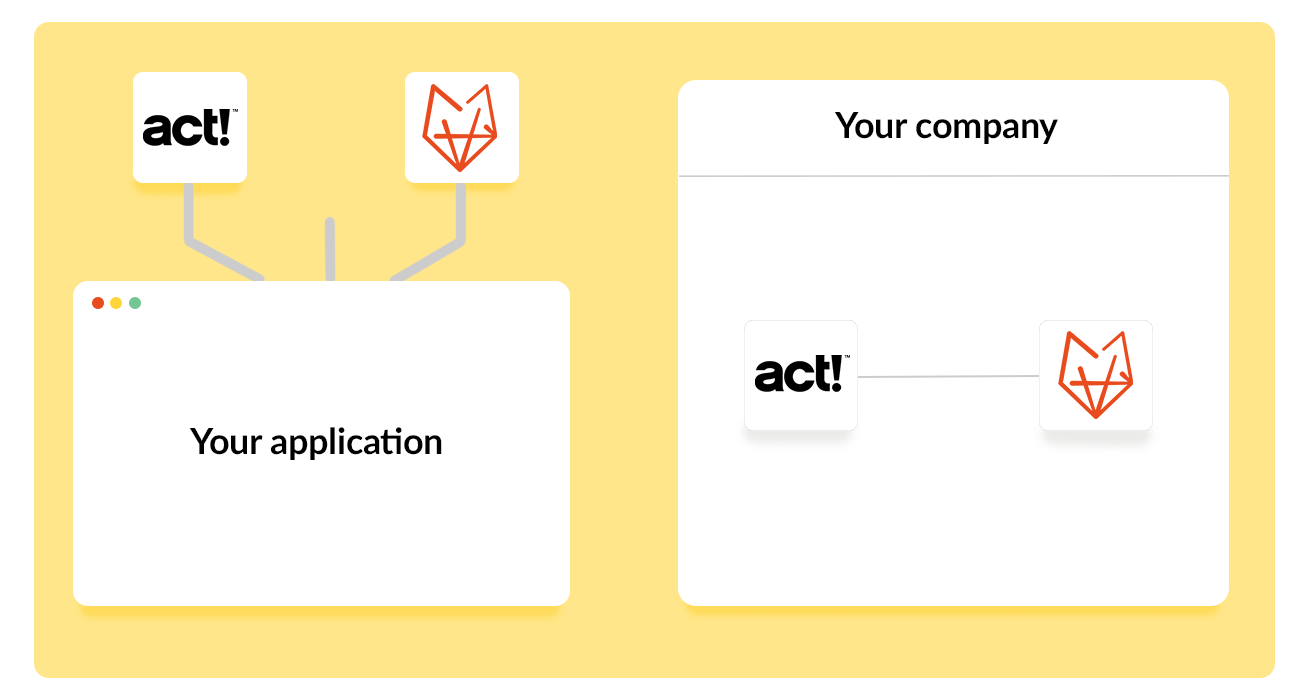
All the information you need in both systems is fully synchronised, giving you instant access to everything at a glance. Field staff can receive all necessary details directly through the OutSmart work order app.
Benefits of the Act! & OutSmart Integration
-
Automatically create digital work orders from tasks in Act!
-
Completed work orders appear as links in the Act! history
-
Build a full history with all work order details
-
Synchronise products/materials from Act! to OutSmart
-
Synchronise contacts from Act! to OutSmart
Integration Costs
The monthly cost for the OutSmart and Act! integration is only €20 per company. Even with multiple licences, the price remains the same.
Setting up the integration requires manual IP port configuration and on-site adjustments. A one-time setup fee of €295 applies.
How to Activate the Integration
Activating the integration is easy, just follow these four steps:
-
Click on ‘Licence Manager’ in the left menu under Settings.
-
Click the blue ‘Order’ button in the top right corner.
-
Under Integrations, select the Act! integration from the list.
-
Configure the integration once via ‘External Integration’ in the left menu.
Work orders per year
Customers trust OutSmart
Years of experience
The OutSmart Act! integration connects Act! CRM to OutSmart's work order app. Tasks in Act! automatically become digital work orders, and contacts and materials sync between both systems. The integration costs €20 per month per company, plus a one-time €295 setup fee for manual IP port configuration.
Field service with Act!: with and without the OutSmart integration
How a job moves from Act! to a completed work order, before and after connecting the two systems.
| Step | Without the integration | With OutSmart + Act! |
|---|---|---|
| Turning a task into a job | Task details copied by hand into a work order | Tasks in Act! automatically become digital work orders |
| Finding customer contact details | Looked up separately in Act! before every visit | Contacts sync automatically from Act! to OutSmart |
| Tracking materials used | Checked against a separate product list | Products and materials sync from Act! to OutSmart |
| Reviewing job history | Searching through paper files or emails | Completed work orders appear as links in Act!'s history |