




The OutSmart app for iPhone and iPad

Work from the field with the familiar iOS experience

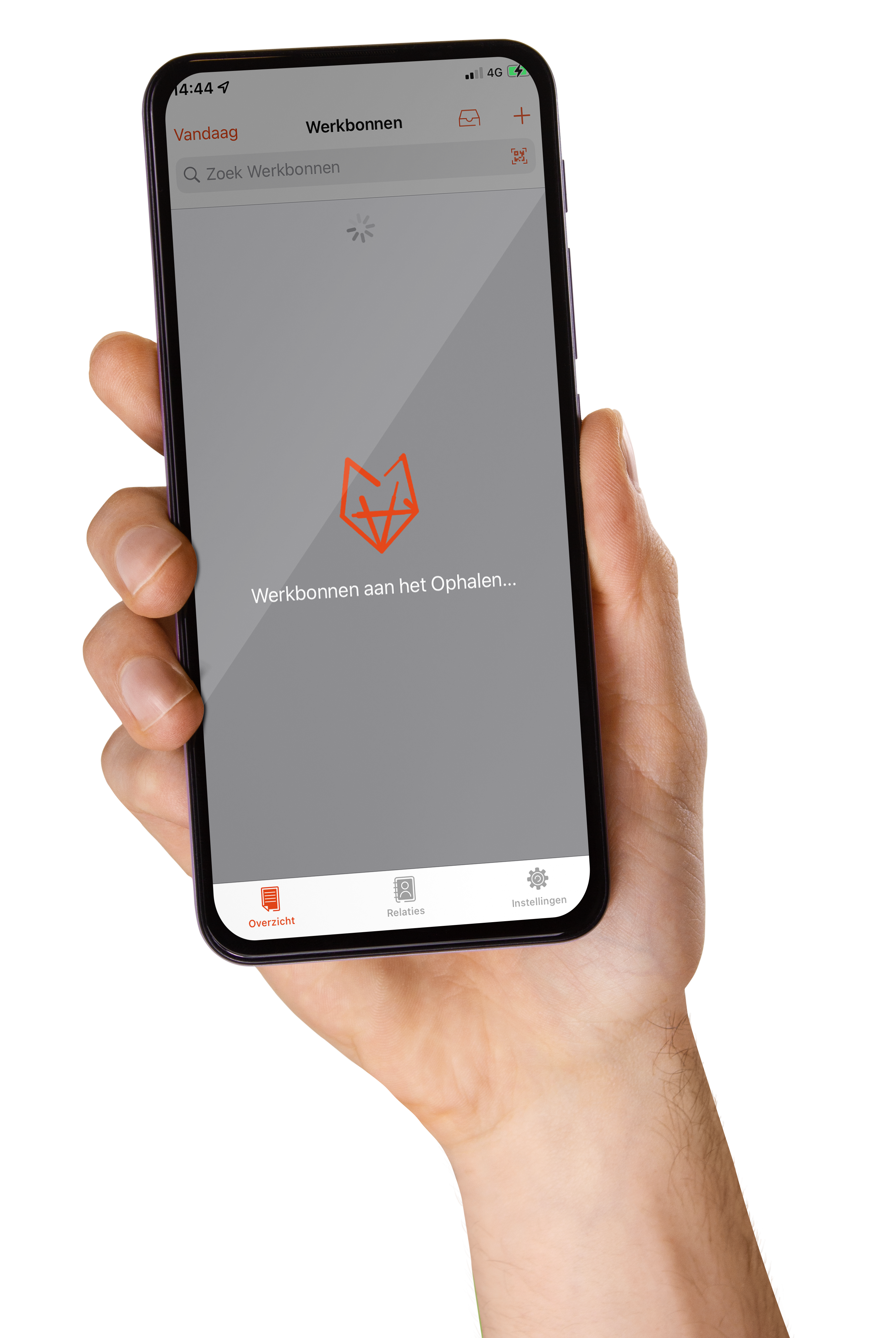
The iOS version of the OutSmart app gives your field employees everything they need on their iPhone or iPad: work orders, hours, materials and photos — with clear iOS screens such as Overview, Work Order and Archive.

Everything syncs automatically with the BackOffice, so the office and the field always work with the same up-to-date data.

5_stars    Over 20.000 happy daily users
OutSmart iOS App

The iOS OutSmart App is the iPhone and iPad version of the OutSmart mobile app. Field employees use it to open and complete work orders, register hours and materials, and add photos — with screens such as Overview, Work Order and Archive. The app is free to download from the App Store.

With or without the iOS OutSmart App

Here's how a day on the iPhone changes when your team works with the app instead of separate notes apps or paper.

StepWithout the iOS appWith the iOS OutSmart App
Receiving a work orderSeparate messaging app or phone callAppears directly in Overview after syncing
Keeping notesSeparate notes app on the iPhoneInternal Memo linked directly to the work order
Materials and resourcesSeparate spreadsheetEquipments recorded directly on the work order
Completing a work orderPaper form or separate photos by emailFully completed and submitted from the Work Order module
Finding old work ordersSearching email or paper archivesInstantly found in Archive
Working offlineWork stalls without coverageApp keeps working, syncs once reconnected
 

Familiar iOS screens, familiar workflow

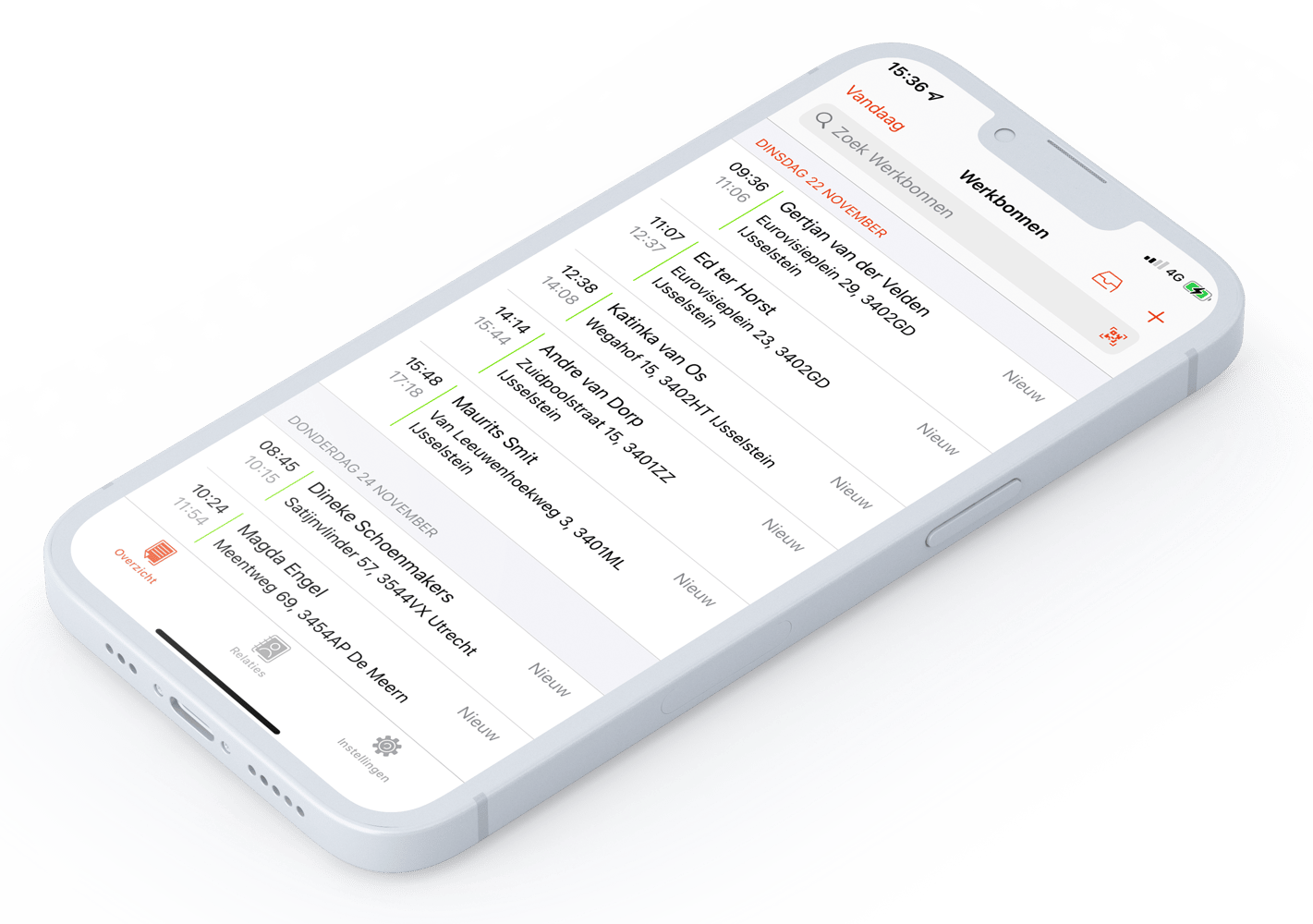
The iOS OutSmart App organizes core workflows into clear screens: Overview for today's schedule, Work Order for the details of a job, and Archive for completed jobs. Some labels differ slightly from the BackOffice — Notes appears as Internal Memo, and Resources appears as Equipments.

On compact layouts, Archive and Ad Hoc Work Orders move into the overflow menu, keeping the main actions within easy reach.

OutSmart iOS app work order overview on iPhone
 

From work order to completed job, in the same app

Technicians register materials and items, track their time, add photos and documents, and complete the work order — all within the familiar iOS navigation.

Core functionalities
  • Creating and viewing work orders
  • Adding and managing materials and items
  • Tracking and managing your time
  • Uploading photos and documents (even offline)
  • Completing and submitting the work order to the BackOffice
  • Viewing customer details via Clients / Relations
Completing a work order in the iOS OutSmart App
3232784

Work orders per year

5172

Customers trust OutSmart

14
+

Years of experience

We constantly had to create work orders manually with pen and paper. By providing a clear digital system with many options, along with an excellent helpdesk that assists with everything, even the smallest questions, Outsmart has helped us.

Thomas Loos, Display4all

We used to lose work orders now and then, which made tracking time a challenge. With the easy digital entry of work orders, it's much simpler for the technician to manage the administration. Having 100% accurate work orders has definitely cut our administrative time in half.

Pascal Hanenbergh, Hanenberg Techniek


Frequently asked questions about the iOS OutSmart App

Yes, the iOS OutSmart App section of the Knowledge Base covers all core workflows and screens specifically for iPhone and iPad.
This is the iOS naming for the same field; the functionality is identical to Notes in the BackOffice.
This is the iOS name for Resources — materials and equipment linked to a work order.
In the Archive module, alongside Ad Hoc Work Orders in the overflow menu on smaller screens.
Core functionality is the same; some screen names and layouts differ. See the Android page for OutSmart NEXT-specific details.
Yes, free to download from the App Store, using your existing OutSmart subscription.
Yes, offline data is sent once the app syncs again.

Try OutSmart completely free for 14 days!