



 Over 20.000 happy daily users
Smart tasks that keep your processes moving
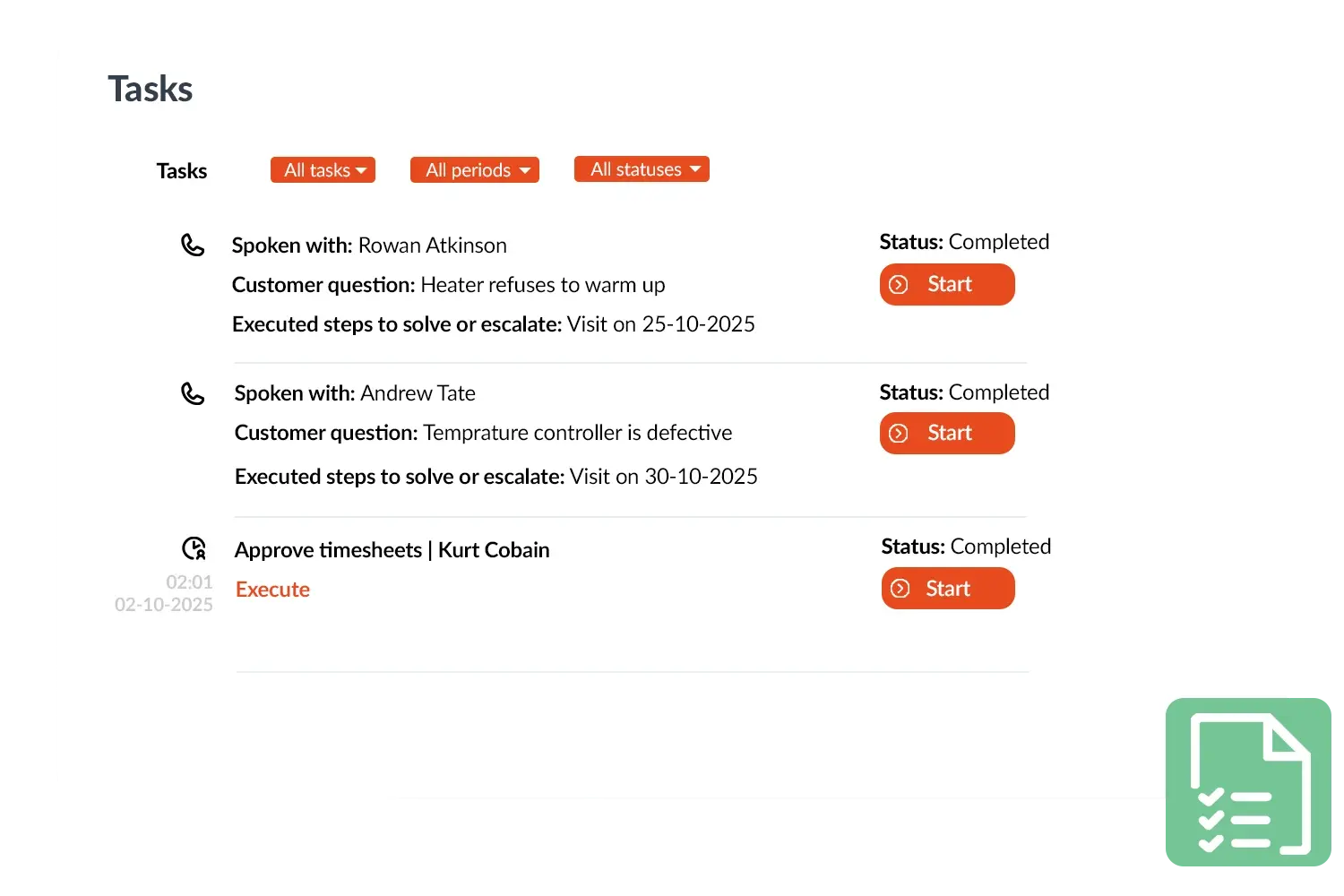
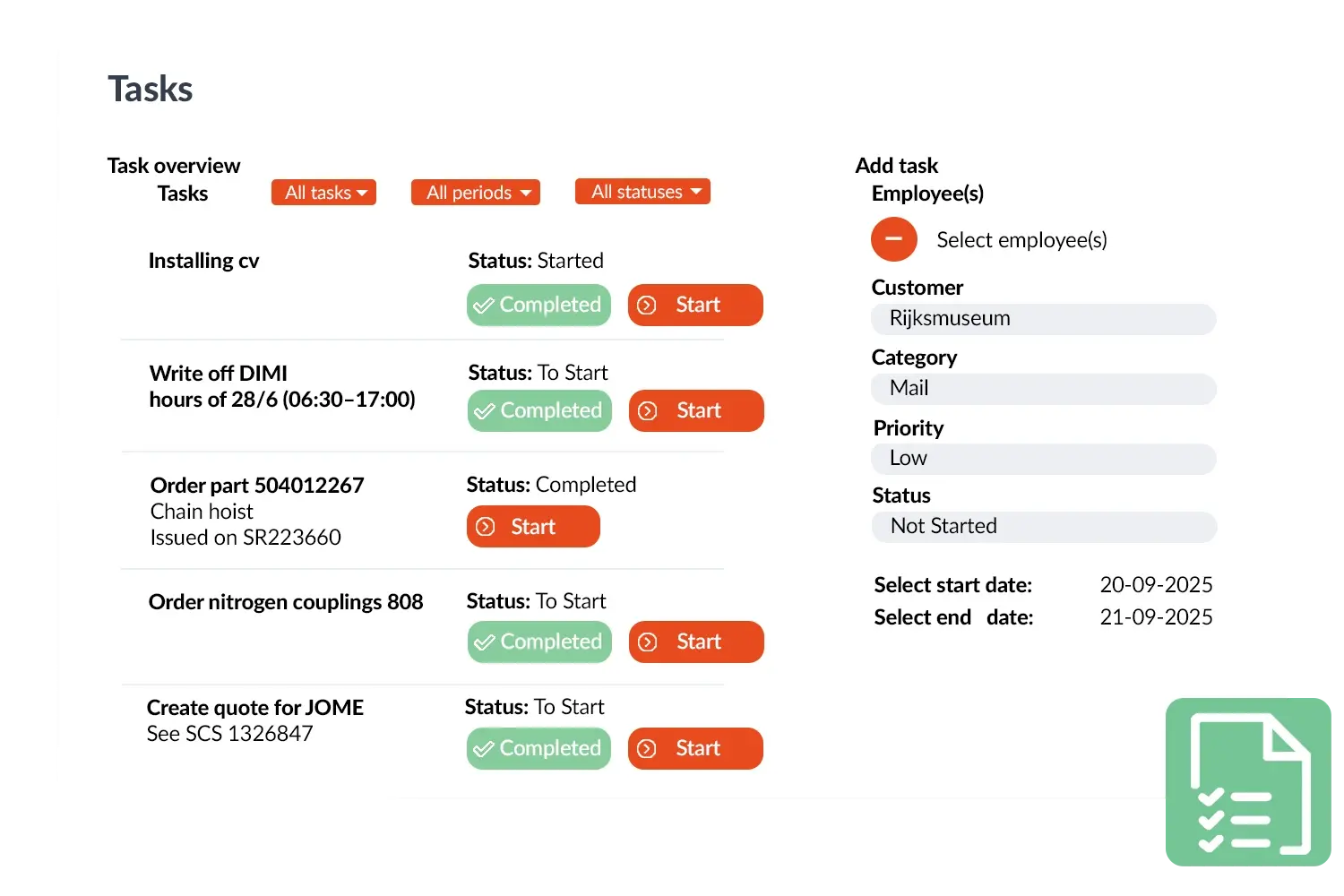
You can link a task to a customer or a project, and the responsible employee sees it immediately in his or her overview. Field workers can also receive tasks in the app, for example a request to bring materials or a short extra job during a visit.
Because Tasks is integrated with the rest of OutSmart, they can also be generated automatically. Think of a task that arises after a quote is approved, or a reminder to reorder inventory once an item falls below the minimum level. In this way, Tasks acts as a smart extension of your workflow and processes.
Tasks can also be triggered automatically from CRM+: as soon as a lead reaches the next stage in your sales process, or a quote is accepted, OutSmart assigns a task to the right colleague, including a deadline. You can also set this trigger with a delay, for example a task that only appears a week after a quote was sent, to follow up with the customer.
The result is overview and peace of mind: your team always knows what needs to happen and who is responsible. Tasks don't disappear in a mailbox or on sticky notes, but are followed up in a structured manner in one central environment.
Practical example
An installation company used Tasks to improve the follow-up of quotes. As soon as a quote was approved, a task was automatically created for the planner to schedule the work order. This resulted in faster scheduling and no more quotes being left without follow-up.
Benefits
- Quickly and easily create and assign tasks.
- Tasks visible in the back office and app.
- Connectable to customers, projects and processes.
- Smart integration with Automations for automatic tasks.
- Owner and assignee can be set separately — you stay responsible while a colleague executes.
- Created automatically from CRM+, for example on a lead stage change or (optionally delayed) after a quote is sent.