


Customer portal

Always insight, directly shared with your customer.

The Customer Portal offers your clients their own online environment where they can access all their important documents and information. They can view and create work orders, quotes and invoices instantly, without having to call or email your back office. This ensures transparency and fosters smoother collaboration.

Clients can track the status of their assignments. They see the steps that have been taken and what still needs to be done. This prevents misunderstandings and builds trust, as customers feel taken seriously and have control over their own journey.

5_stars    Over 20,000 happy daily users
Alexandra-met-phone

OutSmart Customer Portal is a self-service web environment where your clients can view their own work orders, invoices, inspection reports, and asset history — without calling your office. Customers log in securely, track job status in real time, download documents, and submit service requests directly, reducing inbound calls and improving client satisfaction.

Phone and email support vs. OutSmart Customer Portal

Topic Without OutSmart With OutSmart
Job status updates Client calls the office — dispatcher interrupts work to answer Client checks live job status in the portal at any time
Invoice access Email PDF on request or post a paper copy All invoices available to download in the portal 24/7
Service requests Phone or email — often lost or delayed Client submits request in portal — goes straight into planning
Inspection reports Sent manually by email after each visit Report available in portal as soon as the technician closes the job
Asset history Client contacts account manager to ask Full asset and service history visible per location in the portal
Document sharing Email attachment or physical copy Certificates, manuals, and reports stored and shared via portal
 

Let customers service themselves

For your organization, the Customer Portal brings significant time savings. Employees spend less time answering client questions, leaving more time for core tasks. At the same time, customer satisfaction increases: clients experience the convenience of immediate access and appreciate the professionalism you display.

Because the portal integrates with the rest of OutSmart, the information remains up to date for everyone. Your team and your clients work with the same data, which supports smooth cooperation and a streamlined workflow.
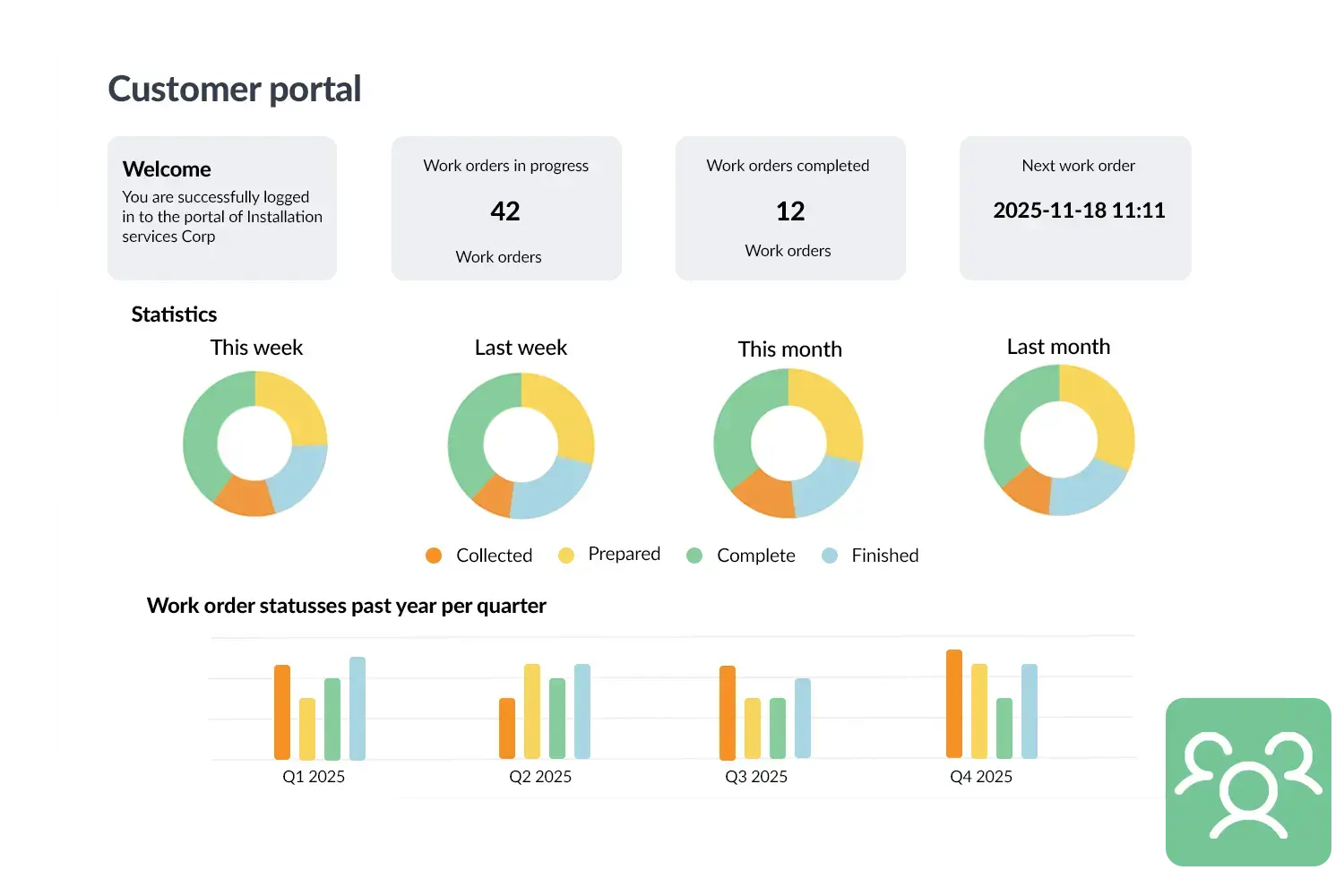
Customer portal visual
 

A practical example

A solar installation company used to spend hours every week answering client calls about quotes or copies of invoices. Since they introduced the Customer Portal, clients can see these documents in their own environment. This saved the company several hours of phone time each week and clients appreciate the transparency: they feel better informed and show it in higher satisfaction scores.

Benefits
  • Transparency: clients always have insight into quotes, work orders and invoices.
  • Time savings for the back office through fewer questions and phone calls.
  • Higher customer satisfaction and a professional appearance.
  • Always up-to-date information shared between client and organization.
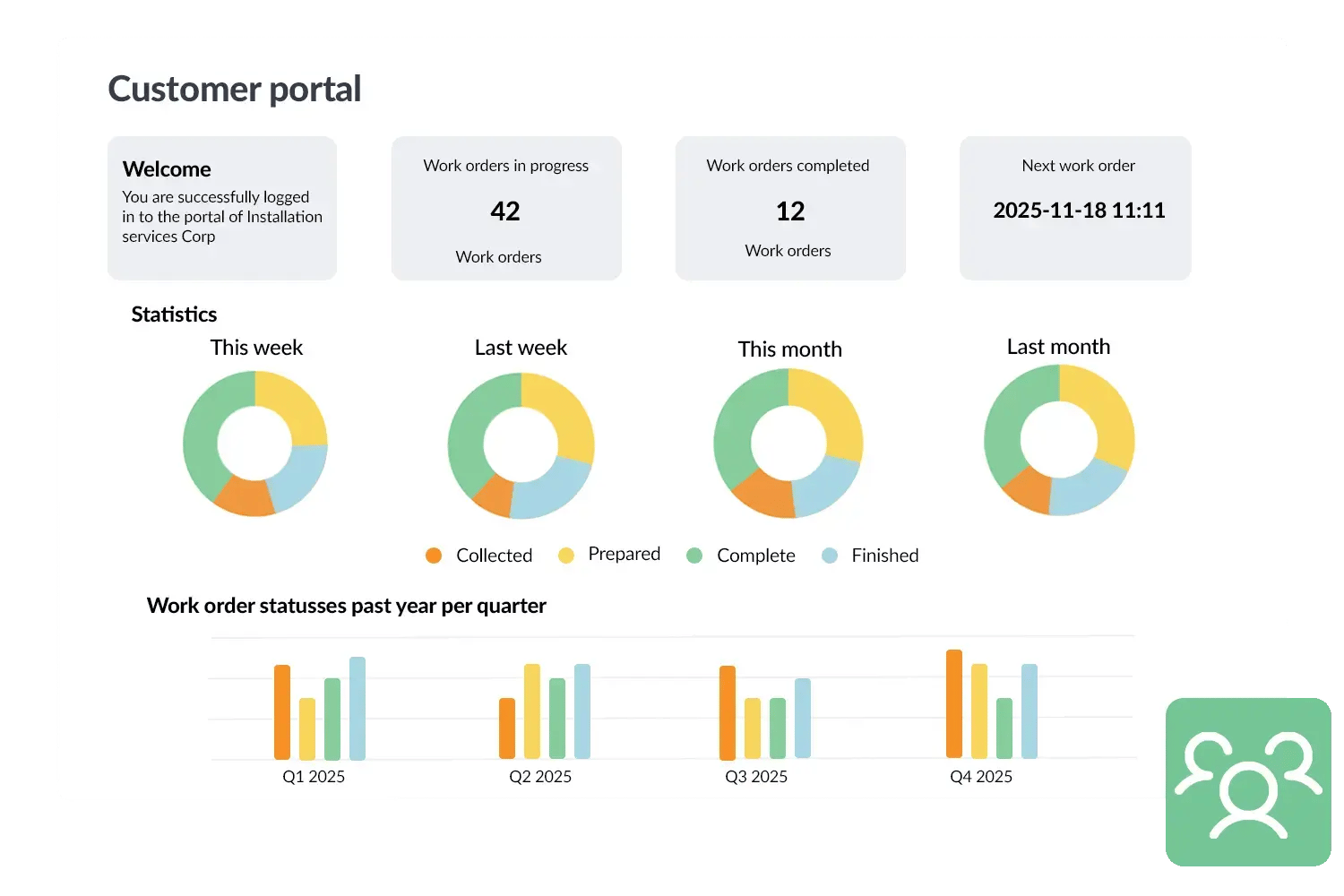
Klantportaal visual
3232784

Work orders per year

5172

Customers trust OutSmart

14
+

Years of experience

We constantly had to create work orders manually with pen and paper. By providing a clear digital system with many options, along with an excellent helpdesk that assists with everything, even the smallest questions, Outsmart has helped us.

Thomas Loos, Display4all

We used to lose work orders now and then, which made tracking time a challenge. With the easy digital entry of work orders, it's much simpler for the technician to manage the administration. Having 100% accurate work orders has definitely cut our administrative time in half.

Pascal Hanenbergh, Hanenberg Techniek


Frequently asked questions about OutSmart Customer Portal

A field service customer portal is a secure online environment where your clients can view their work orders, invoices, service reports, and asset history — without contacting your office. OutSmart Customer Portal reduces inbound calls, speeds up invoice approval, and gives clients the transparency they expect from a professional service partner.

Clients can track live job status, download invoices and inspection reports, view asset and maintenance history, submit new service requests, and access shared documents such as certificates and manuals. Access is role-based, so each contact sees only the locations and data relevant to them.

Yes. The portal is presented under your company name and domain. Clients see your branding, not OutSmart's — reinforcing trust and professionalism in every interaction.

Clients receive a secure login link by email. Access is managed per contact — you control which customers and contacts have portal access, and you can revoke it at any time. No app download is required; the portal runs in any modern browser.

Yes. Clients can submit a service or maintenance request directly from the portal. The request appears immediately in OutSmart for your team to review, prioritise, and plan — reducing response time and removing the phone or email bottleneck.

Yes. Most inbound calls from clients are status enquiries — 'Has the technician been yet?', 'Can I get a copy of the invoice?', 'When is the next maintenance visit?'. The portal answers all of these automatically, freeing your office staff to focus on planning and coordination.

The customer portal is available as part of OutSmart's higher-tier plans. Ask the OutSmart team during your demo to confirm availability for your plan and to see what the portal looks like in practice.

Try OutSmart completely free for 14 days!