


Customer reviews

Immediate insight into customer satisfaction.

With the Customer Reviews Power-Up, you can easily collect feedback from your clients. After completing a work order, you can automatically or manually send out a satisfaction survey. Customers give a rating via a simple questionnaire and a score, so you immediately see how your service is experienced.

The results are displayed clearly in OutSmart. You see average scores, trends and can quickly spot where there is room for improvement. Thus, you don't just have individual responses, but also useful data to improve processes and to work more customer oriented.

5_stars    Over 20,000 happy daily users
alexandra-1

OutSmart Reviews is an automated customer satisfaction module that sends a feedback request to the client as soon as a job is closed. Responses are collected digitally, scored, and stored against the customer record — giving managers a live view of satisfaction trends per technician, job type, and region without manual follow-up or survey administration.

No structured feedback vs. OutSmart Reviews

Topic Without OutSmart With OutSmart
Feedback collection Ad hoc — a happy client might mention it, unhappy ones leave Automatic survey sent after every job closure — consistent data
Response rate Low — manual requests are easy to ignore or forget Higher — short digital survey sent at the right moment
Data storage Scattered across emails and notes — no structured overview Scores stored per job, customer, and technician in OutSmart
Technician insight No objective data — reliant on anecdotes or complaints Satisfaction score per technician — identify strengths and gaps
Issue detection Unhappy clients churn silently before anyone notices Low scores flagged automatically — team can follow up immediately
Google reviews Clients directed manually — inconsistent and infrequent Satisfied clients prompted to leave a Google review automatically
 

Direct feedback

Because the surveys are linked to the work order, you know exactly which job the feedback belongs to. This makes the results concrete and applicable. You immediately see whether a specific employee, service or department deserves extra attention.

By integrating customer reviews into your workflow, you show that you value your customers' opinions. This strengthens trust and gives your organization a professional appearance.
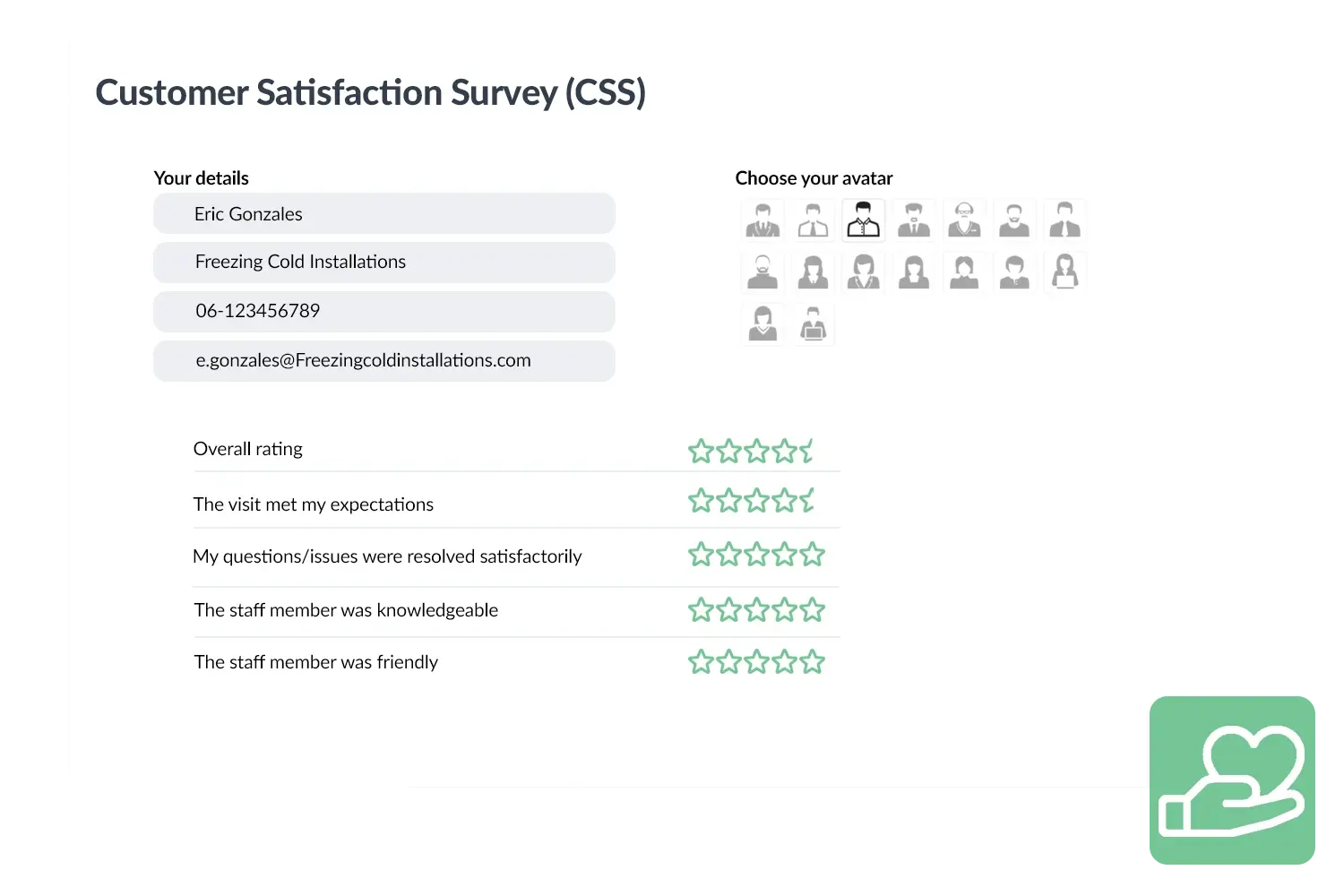
CSS visual
 

A practical example

A cleaning company used Customer Reviews to automatically send a short questionnaire to customers after every completed work order. Within a few weeks, they had a clear overview of their strengths and areas for improvement. Thanks to this insight, they took targeted measures, such as extra training for employees, which immediately led to higher satisfaction scores.

Benefits
  • Easily send and collect customer satisfaction surveys.
  • Insight into scores per job, employee or service.
  • Quickly identify and address improvement points.
  • Higher customer satisfaction and professional appearance.

Customer satisfaction
3232784

Work orders per year

5172

Customers trust OutSmart

14
+

Years of experience

We constantly had to create work orders manually with pen and paper. By providing a clear digital system with many options, along with an excellent helpdesk that assists with everything, even the smallest questions, OutSmart has helped us.

Thomas Loos, Display4all

We used to lose work orders now and then, which made tracking time a challenge. With the easy digital entry of work orders, it's much simpler for the technician to manage the administration. Having 100% accurate work orders has definitely cut our administrative time in half.

Pascal Hanenbergh, Hanenberg Techniek


Frequently asked questions about OutSmart Customer Reviews

When a technician closes a job, OutSmart automatically sends a short satisfaction survey to the client by email or SMS. The client rates the service and can leave a comment. Responses are stored against the work order, customer, and technician for structured analysis.

Yes. When a client gives a high satisfaction score, OutSmart can automatically send a follow-up message with a direct link to your Google Business profile. This increases the volume of genuine positive reviews without any manual effort from your team.

Yes. The Reviews dashboard shows average satisfaction scores per technician over any time period. Managers can identify which engineers consistently receive high ratings and which might benefit from coaching — based on objective client feedback rather than impressions.

Low scores can trigger an automatic alert to the account manager or service manager. This allows the team to follow up with the client quickly — turning a negative experience into a recovery opportunity before the client considers switching to a competitor.

Yes. The default survey is a simple rating plus optional comment, but you can customise the questions to match your service promise — for example, asking separately about punctuality, communication, and technical quality.

Satisfaction scores in OutSmart are linked to job type, technician, region, and time period. Managers can identify patterns — for example, lower scores on a specific job category or from a particular region — and take targeted action rather than relying on gut feeling.

Yes. OutSmart handles review requests in line with GDPR requirements — clients consent to communications as part of your service agreement, and personal data is stored securely within your OutSmart account. No third-party survey platforms with separate data agreements are required.

Try OutSmart completely free for 14 days!