



Turn Multivers into a complete field service system

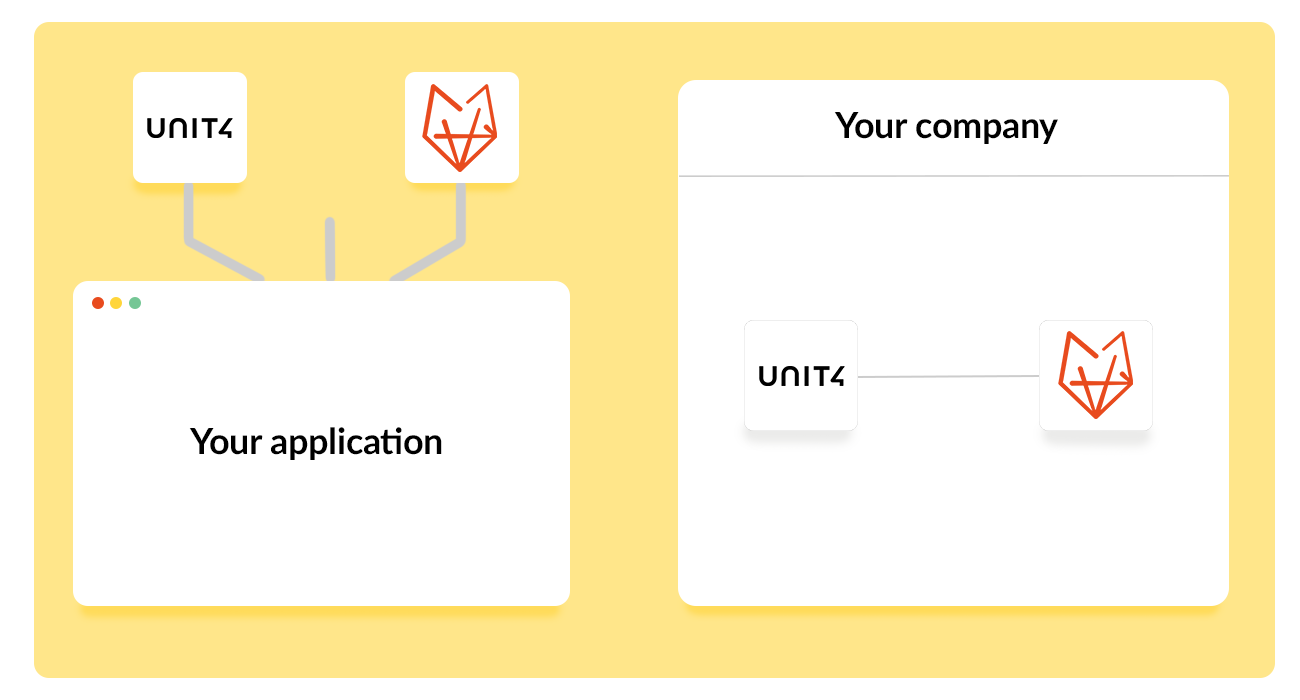
Already on Multivers Online? Connect OutSmart and let contacts, materials, hours and completed jobs sync both ways — no double entry, no re-typing invoices.

All essential data across both systems is synchronised automatically, giving you instant access to the information you need. Field staff receive all relevant details directly through the OutSmart App, ensuring smoother workflows and faster updates.

5_stars    Over 20,000 daily users
Dennis hero
 

Benefits of the Multivers Online & OutSmart Integration

What the Multivers integration does for you: no more manual invoice entry, real-time sync of contacts and materials, and finished work orders that become invoice, sales or service orders in Multivers automatically. Once the integration is activated, the following information from Multivers Online is synchronised seamlessly into OutSmart:

  • Contacts

  • Materials

  • Hour types

  • Orders

  • Employees

And the synchronisation works both way, OutSmart also sends data back into Multivers Online. This enables several powerful features, including:

  • Create invoice orders, sales orders, or service orders based on completed work orders

  • Export new orders, contacts, materials, and hour types from the work order

  • Reference fields and additional order lines
Koppeling Unit4
 

Integration Costs

Just €30 per month, per company — flat rate, no setup fees, no matter how many licences you use.

The integration can be activated immediately.

Thanks to improved efficiency and reduced manual work, the integration delivers long-term savings. With intentionally low monthly pricing, the solution is designed to stay accessible and attractive.

How to Activate the Integration

Activating the integration is simple. Just follow these four steps:

  1. Click ‘Licence Manager’ in the left menu under Settings.

  2. Click the blue ‘Order’ button in the top right.

  3. Under Integrations, select the Multivers Online integration.

  4. Configure the integration once via ‘External Integration’ in the left menu.
 

Koppelingen Unit4
3232784

Work orders per year

5172

Customers trust OutSmart

14
+

Years of experience

We constantly had to create work orders manually with pen and paper. By providing a clear digital system with many options, along with an excellent helpdesk that assists with everything, even the smallest questions, Outsmart has helped us.

Thomas Loos, Display4all

We used to lose work orders now and then, which made tracking time a challenge. With the easy digital entry of work orders, it's much simpler for the technician to manage the administration. Having 100% accurate work orders has definitely cut our administrative time in half.

Pascal Hanenbergh, Hanenberg Techniek


The OutSmart Unit4 Multivers integration connects Multivers Online accounting software to OutSmart's work order app. Contacts, materials, hour types, orders and employees sync automatically, and completed work orders convert into invoice, sales or service orders in Multivers. The integration costs €30 per month per company, with no setup fee.

Accounting with Unit4 Multivers: with and without the OutSmart integration

How data flows between Multivers and the field, before and after connecting the two systems.

StepWithout the integrationWith OutSmart + Multivers
Registering hours & materialsWritten down, then typed into Multivers afterwardsHour types and materials sync automatically between OutSmart and Multivers
Turning a job into an orderOrder created by hand in MultiversCompleted work order converts into an invoice, sales or service order automatically
Looking up a contactChecked separately in Multivers before the visitContacts sync automatically from Multivers to OutSmart
Adding a new employeeEntered separately in both systemsEmployees sync automatically between Multivers and OutSmart

Frequently asked questions about the Unit4 Multivers integration

It syncs contacts, materials, hour types, orders and employees between Multivers Online and OutSmart — automatically and both ways — so your team never enters the same data twice. Once a work order is completed, it converts automatically into an invoice, sales or service order in Multivers, removing the need to re-enter job details by hand.
The integration costs €30 per month per company, at a flat rate regardless of how many licenses your business uses. There is no one-time setup fee, so the connection can be ordered and start syncing data the same day.
Open Settings in OutSmart, go to the Licence Manager, click Order and select Multivers Online from the Integrations list. Configure the connection under External Integration to start syncing contacts, materials and orders automatically, without needing a developer.
A completed work order can convert into an invoice order, a sales order or a service order in Multivers, depending on how the integration is configured for that particular job or customer, giving office staff flexibility in how work is billed.
No. The Unit4 Multivers integration requires no setup fees, regardless of the number of licenses your company uses. Only the flat €30 monthly cost per company applies, and the connection can go live the same day it is ordered.
Contacts, materials, hour types, orders and employees sync automatically from Multivers Online into OutSmart, so field staff always work with current customer and product information without office staff needing to update two systems separately for every change.

Try OutSmart completely free for 14 days!